

Product Overview
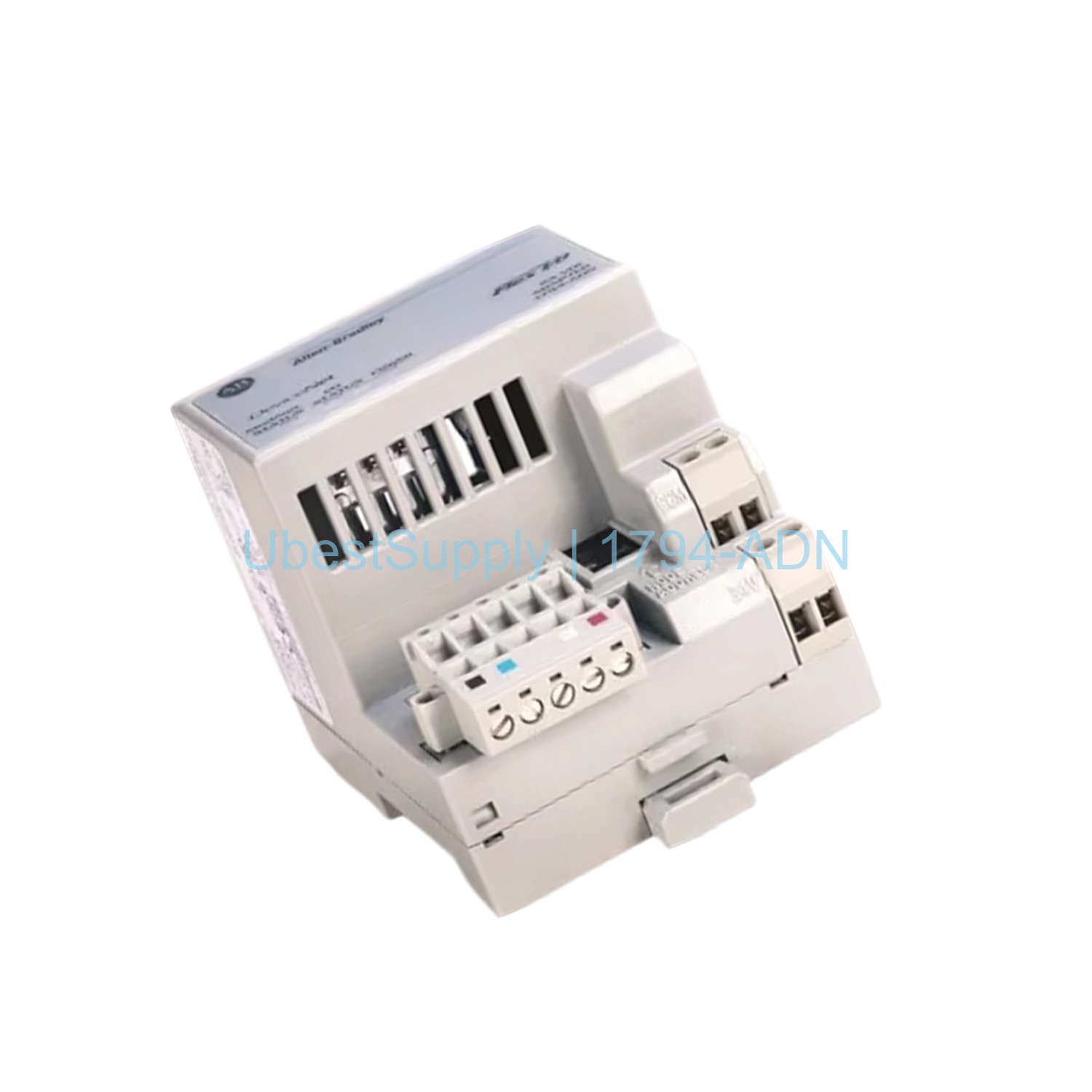
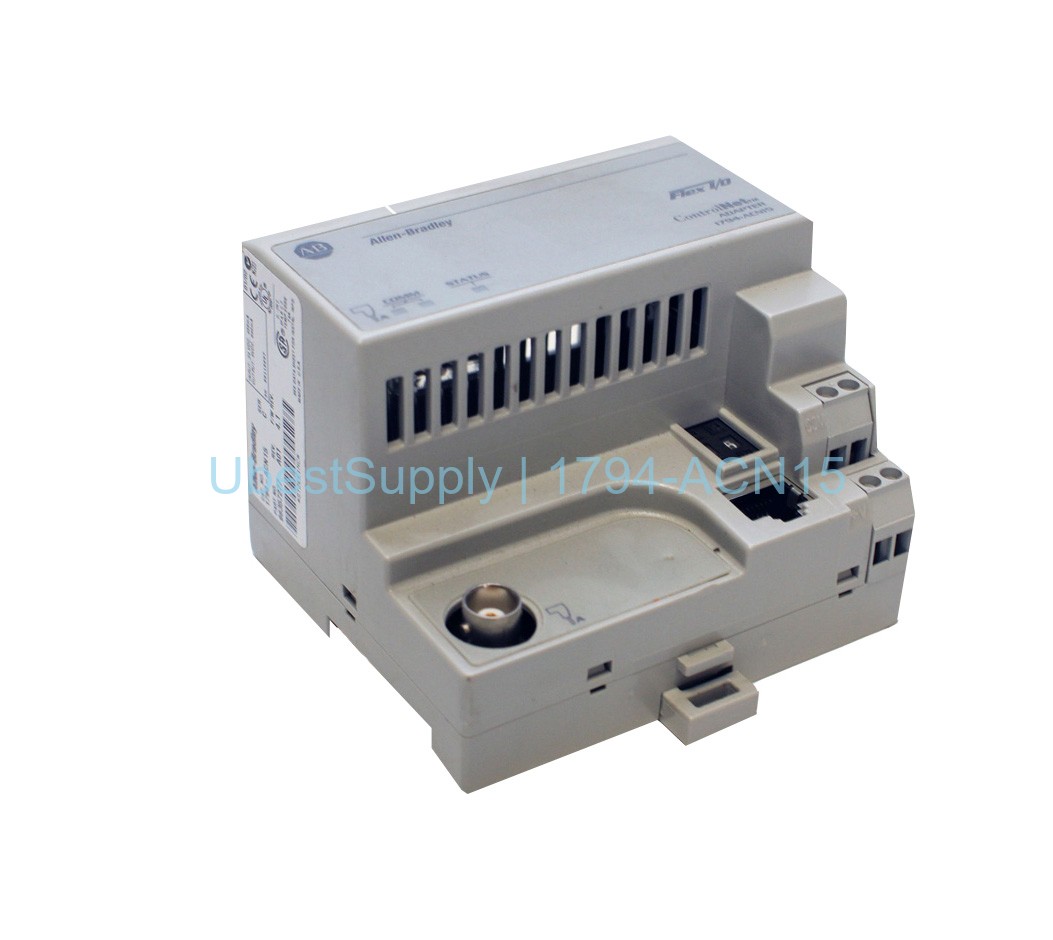
The 1794-ADN is a DeviceNet adapter module from Allen-Bradley. It belongs to the Flex I/O product family. This module connects a Flex I/O rack to a central DeviceNet scanner. It supports data exchange between I/O modules and the network. The module operates at 24 VDC. It supports communication rates of 125, 250, and 500 Kbps. Its enclosure is open-type. It mounts on DIN rail or panel. Status LEDs provide Mod/Net and I/O status. The node address is set via thumbwheel switches (00-63). Baud rate automatically detects on power-up.
Application Scenarios
This adapter is ideal for industrial automation systems using DeviceNet. It works with up to eight Flex I/O modules. Common applications include manufacturing, process control, and material handling. The module provides reliable I/O data exchange. It is suitable for harsh environments due to its rugged design. The module operates from 0 to 55 degrees Celsius. It handles vibration up to 5 g and shock up to 30 g.
Technical Specifications
Manufacturer: Allen-Bradley
Part Number: 1794-ADN
Product Type: DeviceNet Adapter
Communication Port: One DeviceNet port
Data Transfer Speed: 125, 250, 500 Kbps (selectable)
Indicators: Mod/Net Status (red/green), I/O Status (red/green)
Mounting: DIN Rail or Panel
DeviceNet Cable: Belden YR-29832 or equivalent
Wire Size: 12 gauge stranded max, 3/64 inch (1.2mm) insulation max
Operating Temperature: 0 to 55°C (32 to 131°F)
Storage Temperature: -40 to 85°C (-40 to 185°F)
Vibration: 5 g @ 10-500 Hz per IEC 68-2-6
Operating Shock: 30 g peak acceleration, 11(+1) ms pulse width
Voltage: 24 Volts DC
Input Voltage Range: 19.2 to 31.2 Volts DC
FlexBus Output Current: 640 mA maximum at 5 Volts DC
Isolation Voltage: 50 Volts Continuous
Power Consumption: 90 mA maximum
Power Dissipation: 7.6 W maximum at 19.2 Volts DC
Dimensions: 3.7 x 3.6 x 3.4 inches
Weight: 0.17 kg
Installation & Maintenance Guide
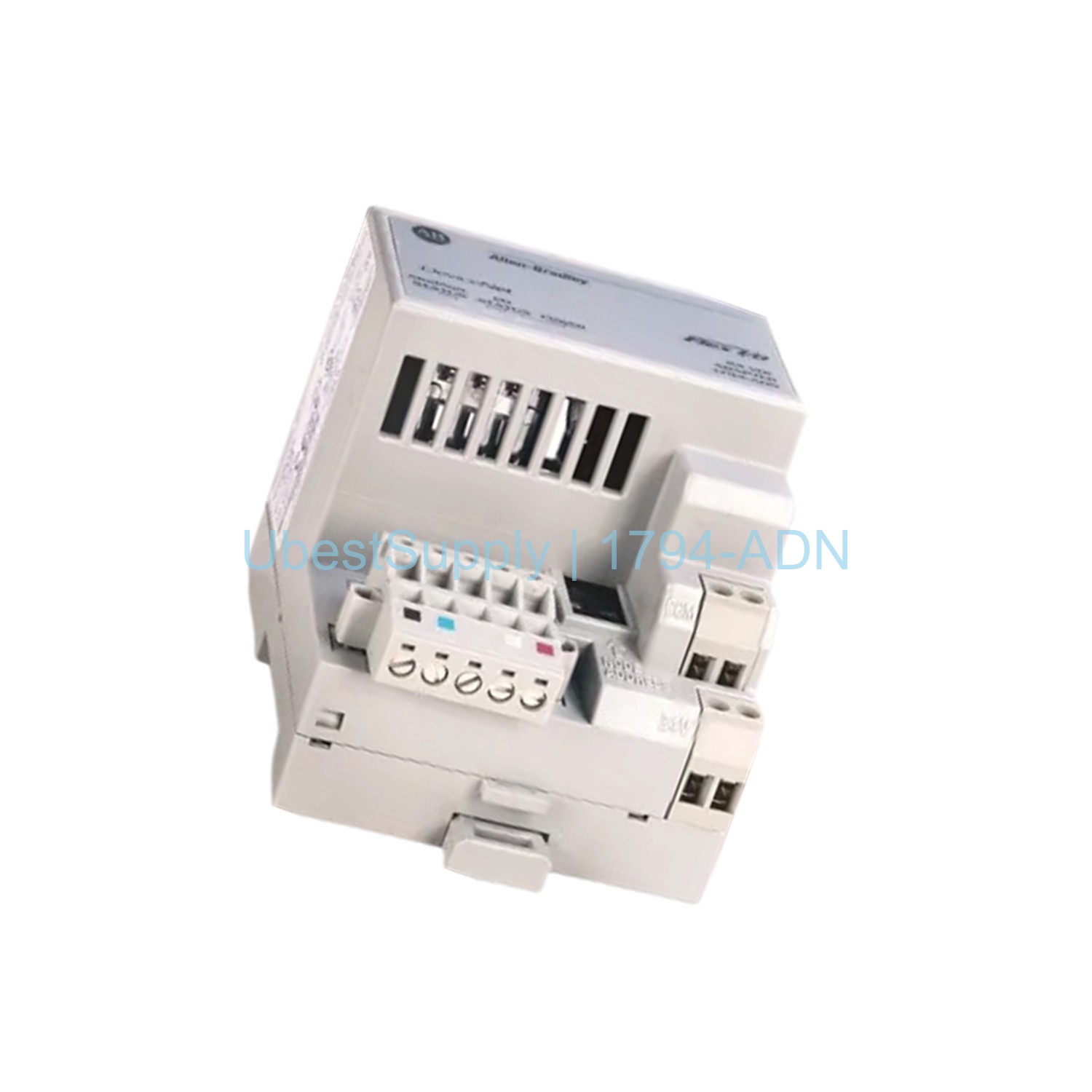
Mount the module on a DIN rail or panel. It must be the leftmost module in the Flex I/O rack. Use thumbwheel switches to set the node address (00-63). The baud rate auto-detects on power-up. Connect the DeviceNet cable to the 5-pin or 10-pin plug. Ensure proper wire category: Category 1 for power, Category 2 for communication. The power supply must provide 24 VDC and handle 14A inrush for 5 ms. Check status LEDs for troubleshooting. Keep the module within operating temperature range. For shipping, use FedEx, UPS, or DHL.
Packing List
The package includes one 1794-ADN module. It also includes the installation guide. Additional accessories like cables are sold separately.
.jpg)



Leave a Reply