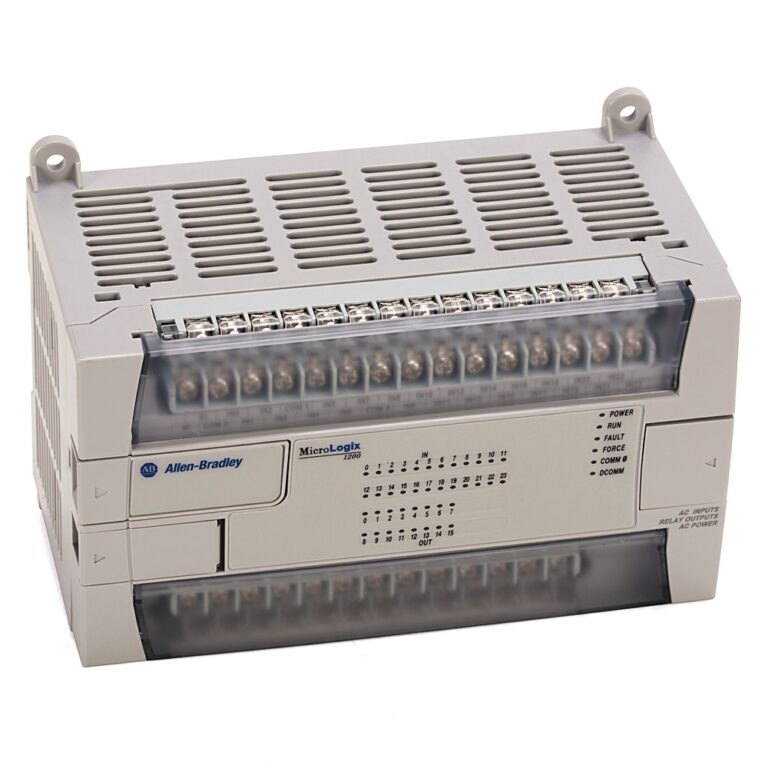


Allen-Bradley 2711P-T15C4A8 Replacement Guide
The Allen-Bradley 2711P-T15C4A8 PanelView Plus 6 terminal now faces end-of-life status from Rockwell Automation. Consequently, production lines relying on this HMI risk extended downtime when the unit fails. This happens because replacement parts become scarce. Furthermore, newer PanelView 8 or 5000 series terminals offer superior processing power. They also provide enhanced cybersecurity and direct support for modern industrial protocols. Therefore, proactive replacement eliminates the obsolescence bottleneck. This also unlocks better data visibility for operators.

Core Value of the 2711P-T15C4A8 Replacement
The 2711P-T15C4A8 replacement resolves the core pain point of discontinued hardware support. Specifically, the upgrade delivers faster boot times and improved screen responsiveness. This directly reduces operator wait time during shift changes in chemical plants. Moreover, the new platform integrates seamlessly with contemporary control systems. Therefore, it minimizes integration risks for pharmaceutical and manufacturing facilities.
Technical Insights on the 2711P-T15C4A8 Upgrade
Three key parameters drive production efficiency and equipment longevity. First, the 2711P-T15C4A8 uses a 15‑inch display with 1024 × 768 resolution. However, the replacement PanelView 8 maintains this resolution but adds LED backlighting. This extends service life to over 50,000 hours of continuous operation. Second, the original unit supports only 10 Base‑T Ethernet. In contrast, the upgrade shifts to Gigabit Ethernet, thereby slashing recipe download times by up to 80%. Third, the environmental tolerance improves from NEMA 4X (indoor) to NEMA 4X/12 and IP65. This provides better resistance to wash‑down environments. Consequently, these parameters reduce unplanned stops and prolong HMI field life.

Installation & Maintenance for the Replacement
- For high‑vibration environments, engineers must secure all panel‑mount fasteners with thread‑locking compound. Also, use flexible conduit for the Ethernet cable.
- Additionally, the older 2711P-T15C4A8 lacks built‑overvoltage protection. Therefore, you should install an external 24 VDC surge suppressor at the power input terminals.
- Finally, configure the replacement unit with the same application file. You can do this using Rockwell’s Migration Utility. We strongly recommend performing a full backup of the original project before any physical swap.
Buyer’s Guide (FAQ) for the 2711P-T15C4A8
- Q1: Has Rockwell officially discontinued the 2711P-T15C4A8?
- A1: Yes, Allen-Bradley placed this model in the “Active Mature” status. This means final orders closed in 2022. Also, no further software updates or repairs are available.
- Q2: When should I consider upgrading instead of repairing a faulty unit?
- A2: Upgrade immediately if the current unit exhibits screen flickering or intermittent communication failures. Also, upgrade if your plant requires CIP Security compliance, as the 2711P-T15C4A8 does not support these protocols.
- Q3: Is the replacement backward‑compatible with existing ControlLogix and PLC‑5 controllers?
- A3: Yes, the new PanelView 8 uses the same Ethernet/IP and DF1 drivers. However, migrate any legacy DH+ or Remote I/O applications to Ethernet/IP before connecting the new terminal.
- Q4: What is the typical lead time for a drop‑in replacement?
- A4: For standard panel‑mount units, lead time averages 4–6 weeks from distributors. Therefore, we recommend ordering a spare unit to avoid production delays.
- Q5: Does the replacement require additional software licenses?
- A5: No, but you must use FactoryTalk View Studio (version 12.00 or later) to convert and download the application. Consequently, verify your software license coverage beforehand.