

Product Overview
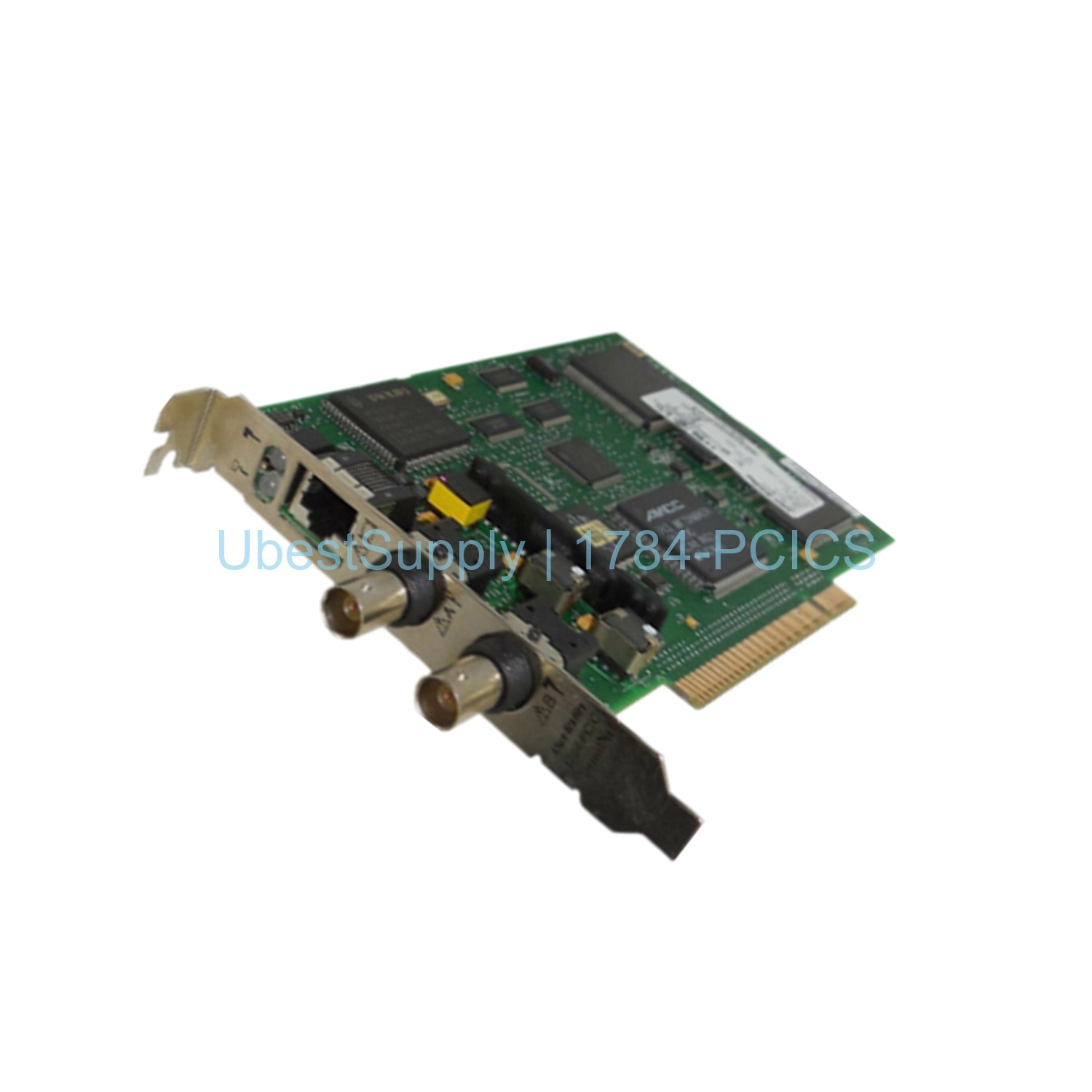
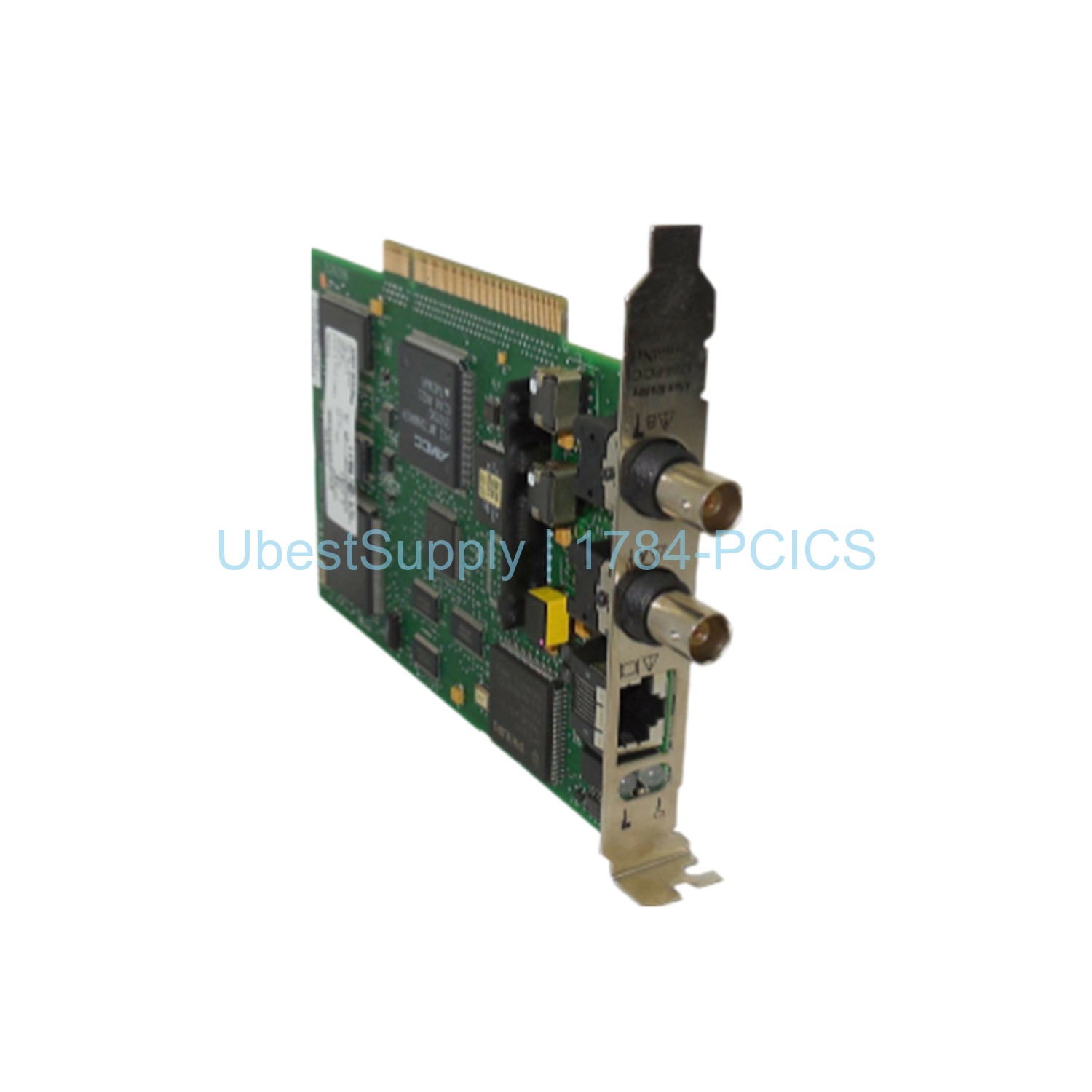
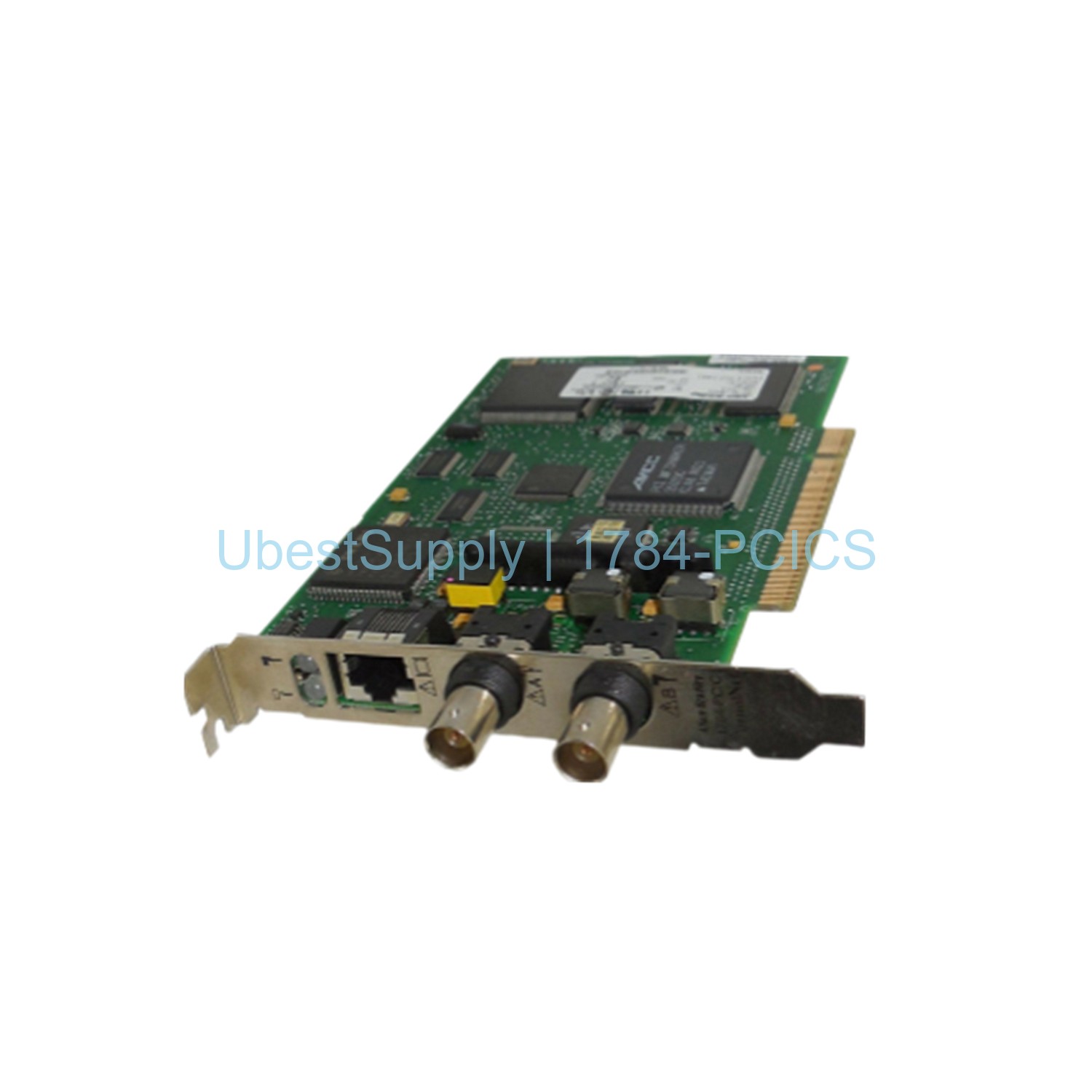
The Allen-Bradley 1784-PCICS is a PCI card. It provides ControlNet connectivity for compatible computers. This card works with PLC-5 systems. It supports both BNC and RJ45 network ports. The card fits PCI-X, 32-bit, and 64-bit PCI slots. It also works with 3.3V and 5V slots. The dimensions are 107 x 165 millimeters. This product is ideal for industrial control networks.
Application Scenarios
Use this card to connect a computer to a ControlNet network. It works directly with a ControlNet trunk. You can also connect it to a device on the network. Do not link multiple ControlNet networks to this card. That can cause erratic communication. Typical applications include PLC programming and data monitoring. It is also used for distributed control systems. Many factories rely on this card for real-time control.
Technical Specifications
- Brand: Allen-Bradley / Rockwell Automation
- Series: PLC-5
- Product Type: ControlNet PCI Card
- Compatible Slots: PCI-X, 32/64-bit PCI, 3.3/5 Volts PCI
- Dimensions: 107 x 165 mm
- Network Port: RJ45 and BNC
- Operating Temperature: 0 to 50 °C
- Diagnostic LEDs: Active only with BNC connectors
The 1784-PCICS card uses robust components. It is designed for harsh industrial environments. The operating temperature range is 0 to 50 °C. This ensures reliable performance in most conditions.
Installation & Maintenance Guide
Follow these steps to install the card. First, shut down the computer. Remove the cover. Choose a vacant PCI slot. Remove the slot’s expansion cover. Handle the card carefully to avoid ESD damage. Use a grounded wrist strap. Work in a static-free area. Insert the card into the slot. Tighten the screws. After installation, connect the card to a ControlNet network. Use either the BNC or RJ45 port. The LEDs indicate status only when using BNC. The RJ45 port does not support diagnostic LEDs. Regular maintenance includes checking connections and keeping the card clean. Always power off before removing or inserting the card.
Packing List
The package includes one 1784-PCICS ControlNet PCI card. It also contains mounting screws. An installation manual is provided. Some packages may include a static-safe bag. The card is shipped in protective packaging. Shipping is via FedEx, UPS, or DHL.



Leave a Reply