

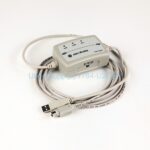
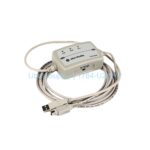
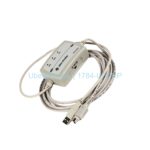
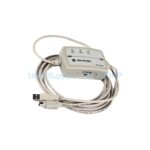
Product Overview
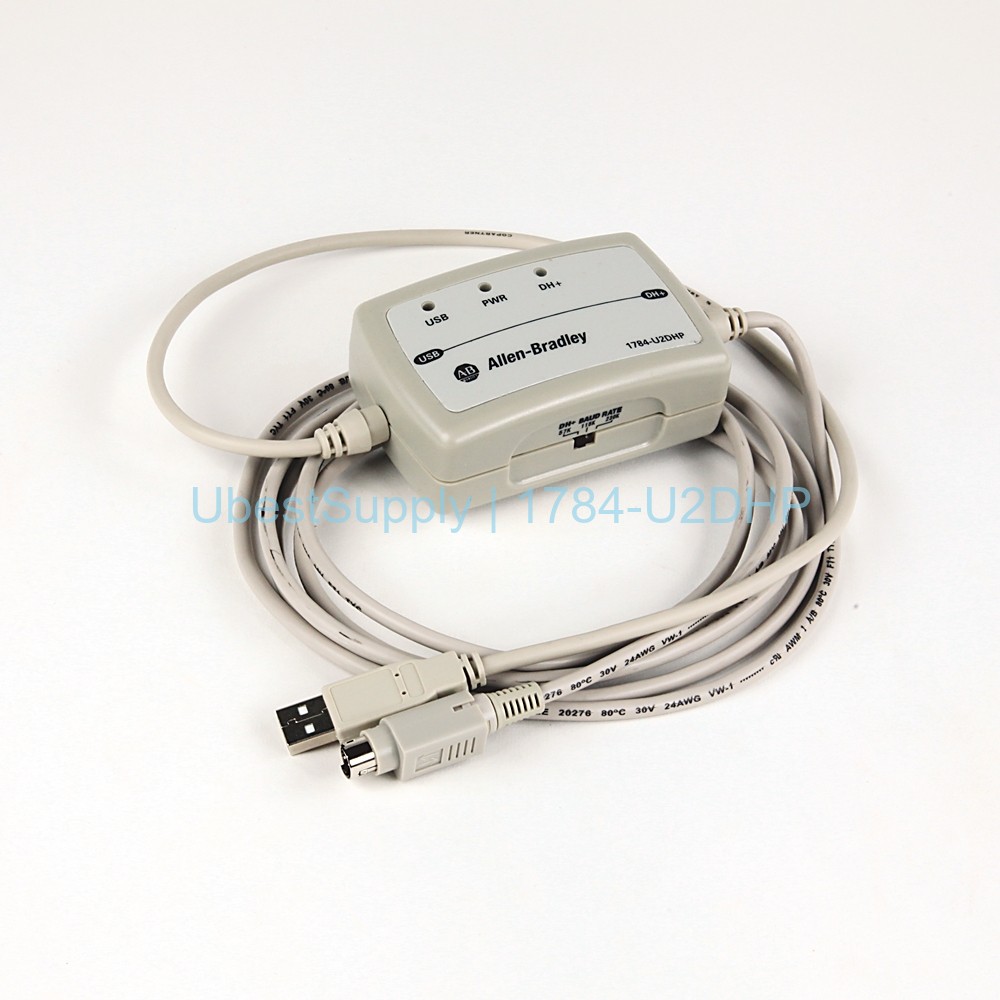
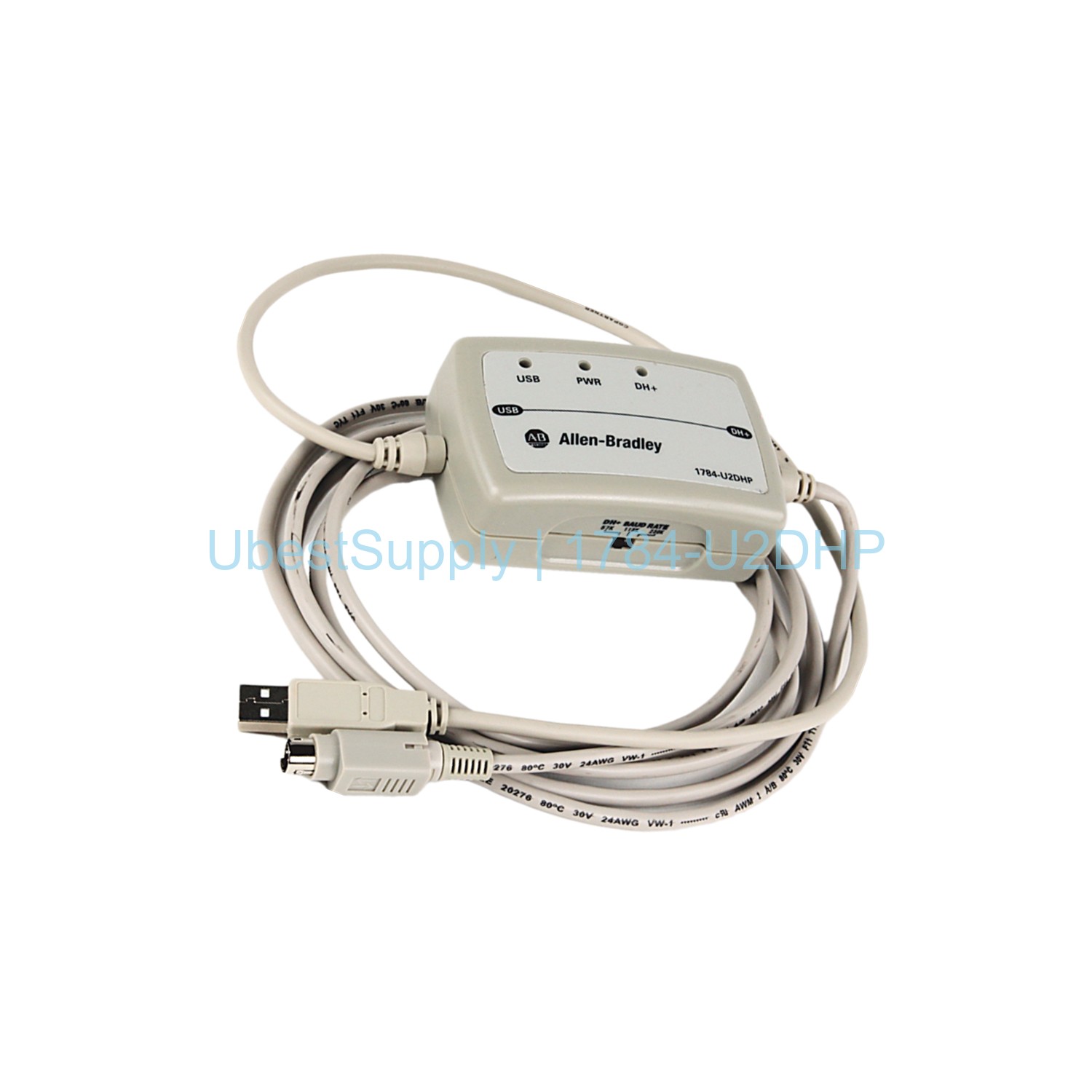
The Allen-Bradley 1784-U2DHP is a USB to Data Highway Plus (DH+) cable. It connects a computer to a DH+ network. This cable supports PLC-5 and SLC 5/04 processors. It replaces older communication adapters like the 1784-PCMK card. The device draws power from the USB port. It is highly portable and needs no mounting. LED indicators show power, USB, and network status.
Application Scenarios
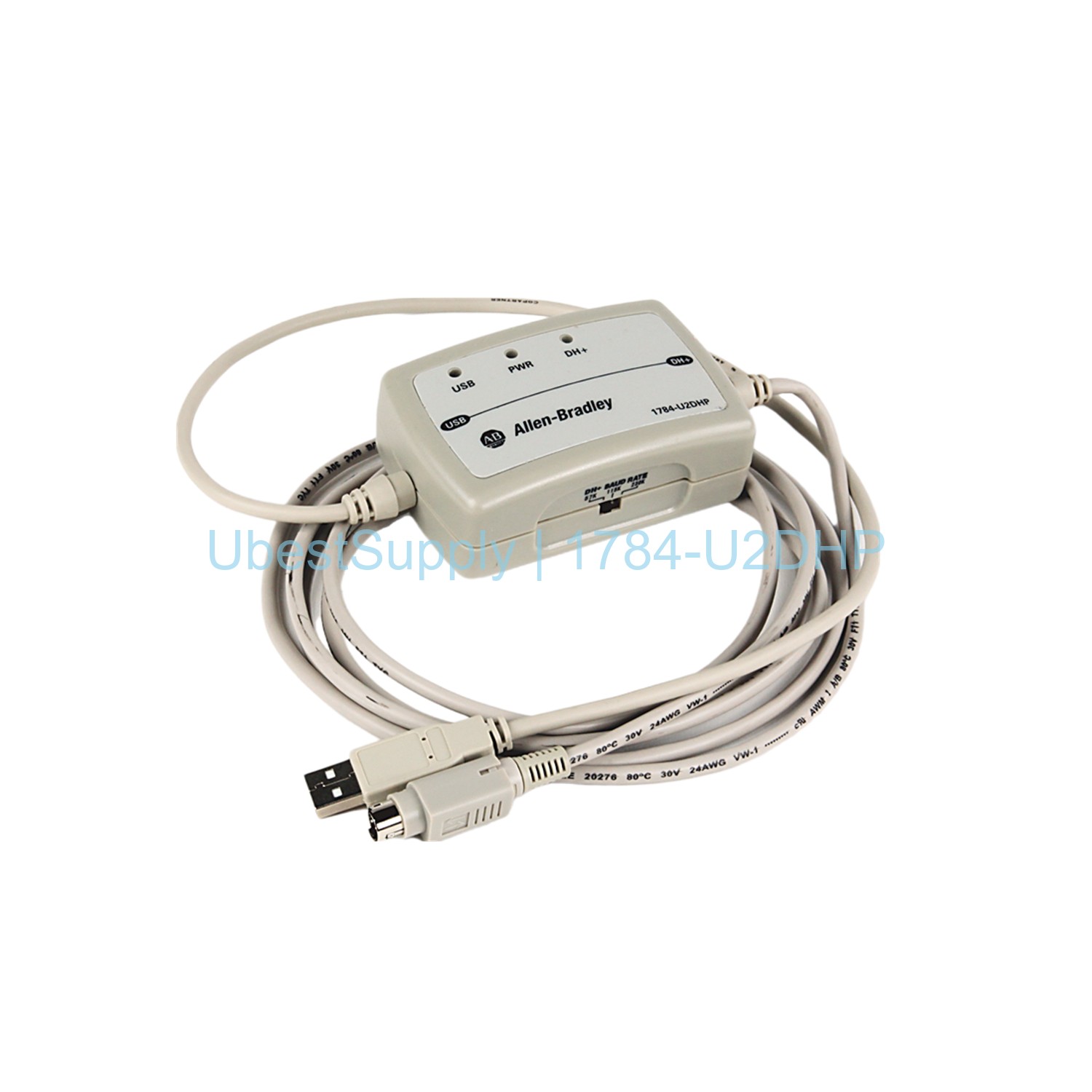
Use this cable for programming and monitoring PLC-5 systems. It works in industrial control rooms. Operators can connect laptops directly to DH+ networks. The cable supports three data rates for different cable lengths. It fits applications up to 2000 meters altitude. The device is suitable for Overvoltage Category II environments. It is ideal for field service and maintenance tasks.
Technical Specifications
The 1784-U2DHP uses 5V DC voltage. Current draw is 125 mA. Power dissipation is 1.575 watts. The cable offers three communication rates: 57.6 Kbps up to 3048 meters, 115.2 Kbps up to 1524 meters, and 230.4 Kbps up to 762 meters. Operating temperature ranges from 0 to 55 degrees Celsius. The enclosure rating is IP30. Isolation voltage is 30 volts. The cable has a USB connector on one end and an 8-pin DIN connector on the other. USB cable length is 0.61 meters. DIN cable length is 2.44 meters. The device supports PLC-5 processors except Classic models like PLC-5/10, 5/12, 5/15, and 5/25. It also works with SLC 5/04 processors. A 3-position switch sets the DH+ node address.
Installation & Maintenance Guide
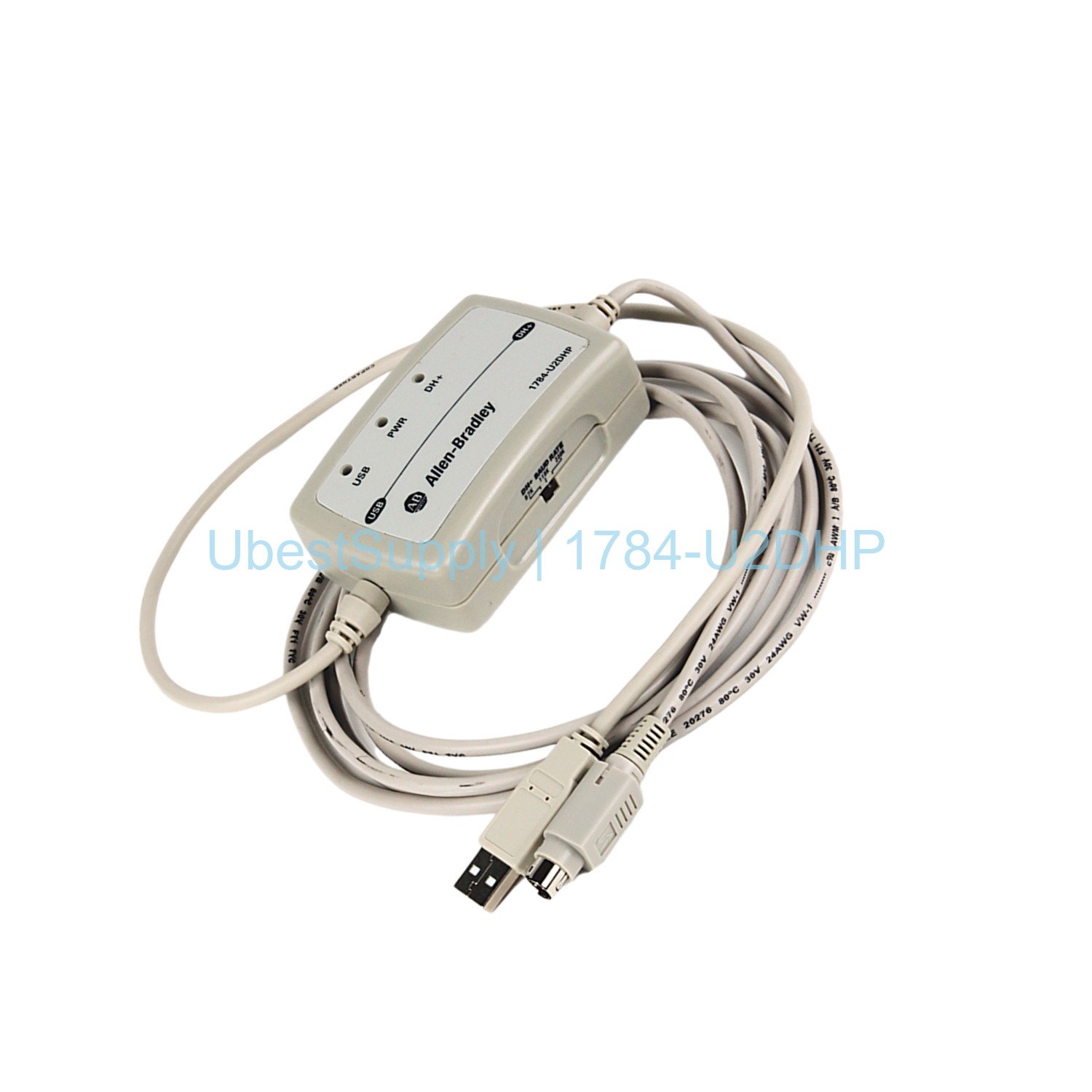
Install the driver on the computer first. Plug the USB end into the USB port. Connect the DIN end to the DH+ network. Set the communication rate switch before connecting the USB. The node address sets automatically on first connection. LED indicators blink red or green for power, network activity, and diagnostics. No DIN rail mounting is needed. The cable is portable and easy to store. Disconnect the USB before changing the rate setting. The 1784-U2DHP requires a power source compliant with SELV and PELV standards. No special maintenance is required.
Packing List
The package includes the 1784-U2DHP cable assembly with USB and DIN connectors. A driver CD is not included. The cable is ready for immediate use after driver installation. Shipping is available via FedEx, UPS, or DHL.

Leave a Reply