

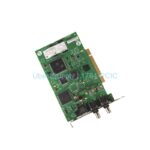
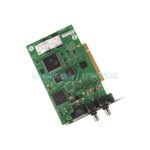
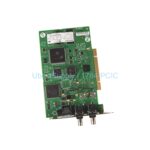
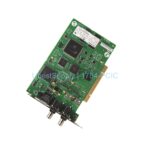
Product Overview
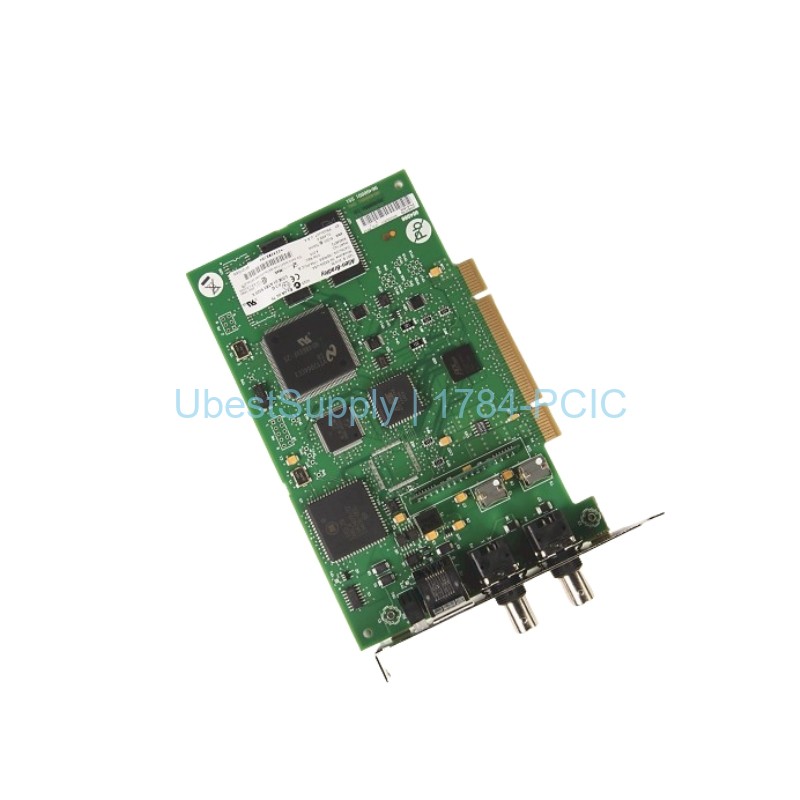
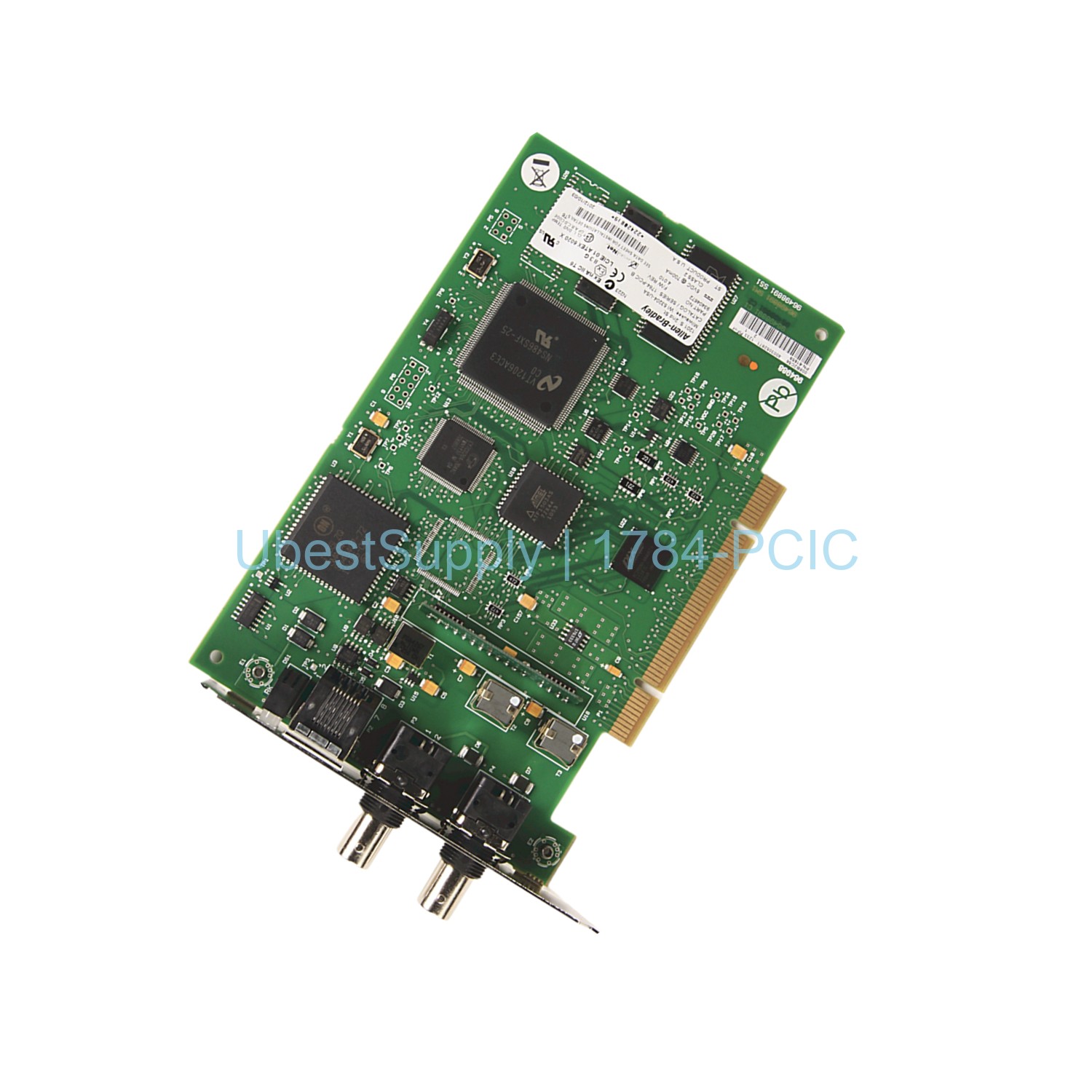
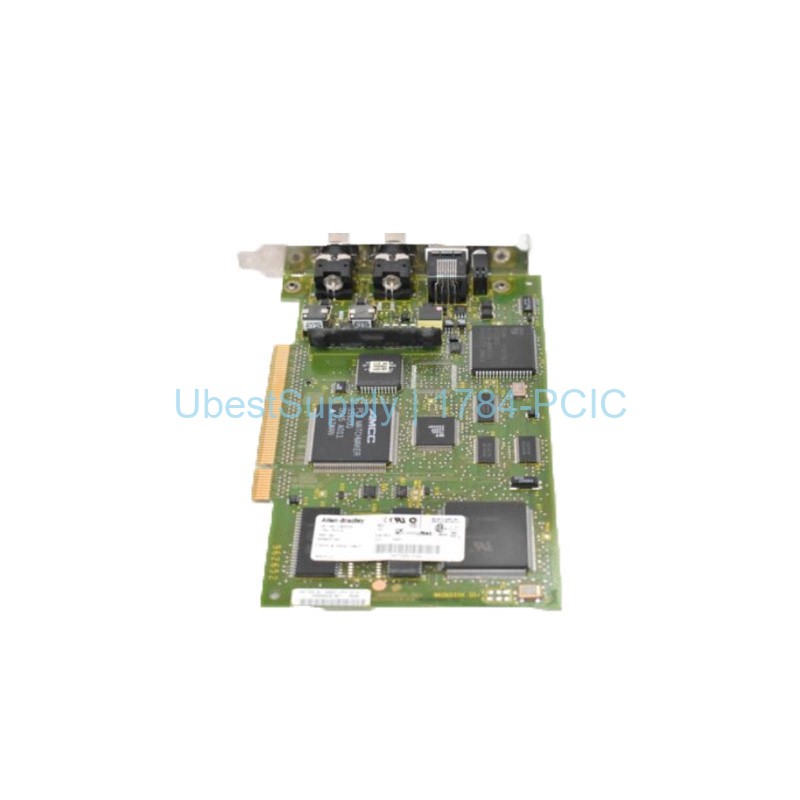
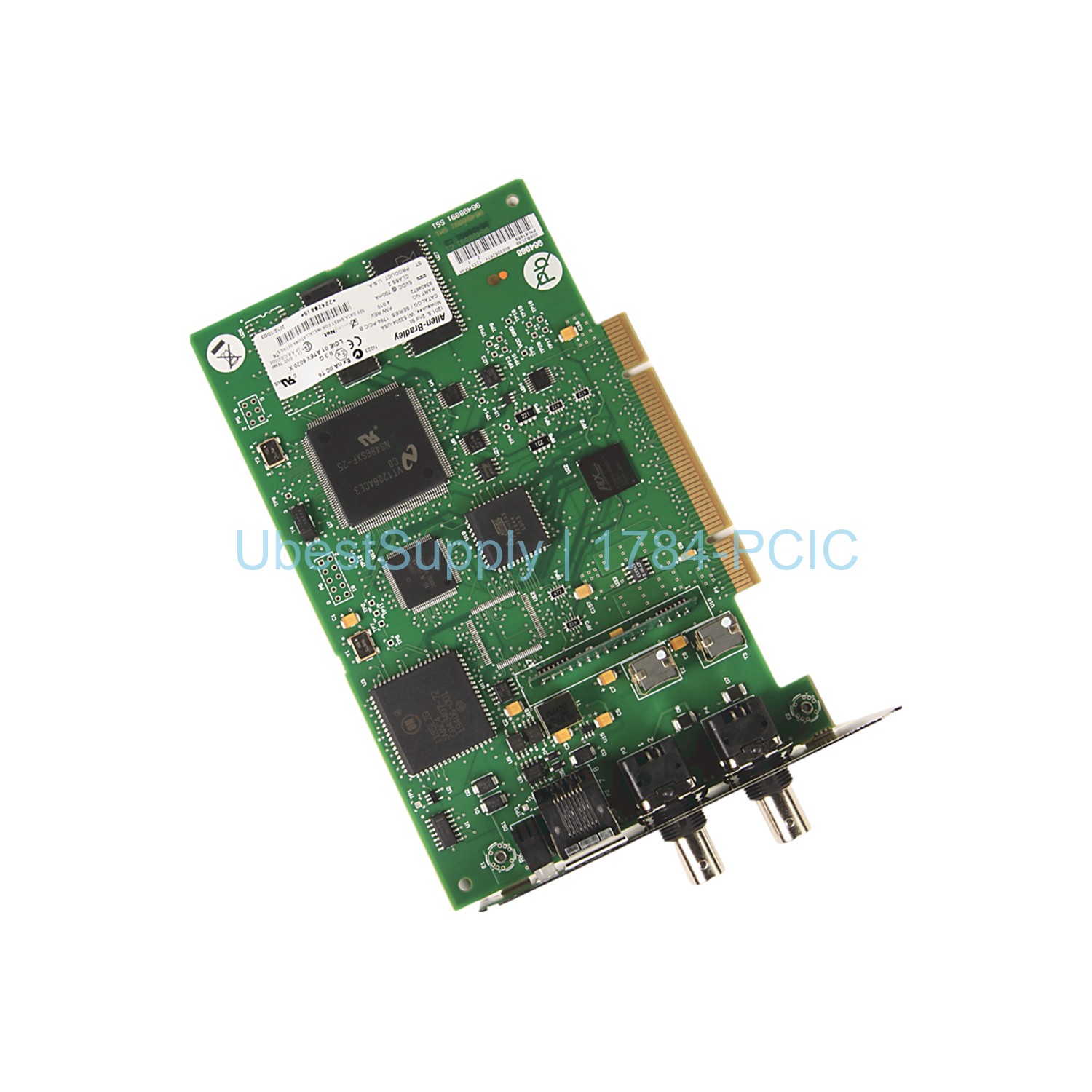
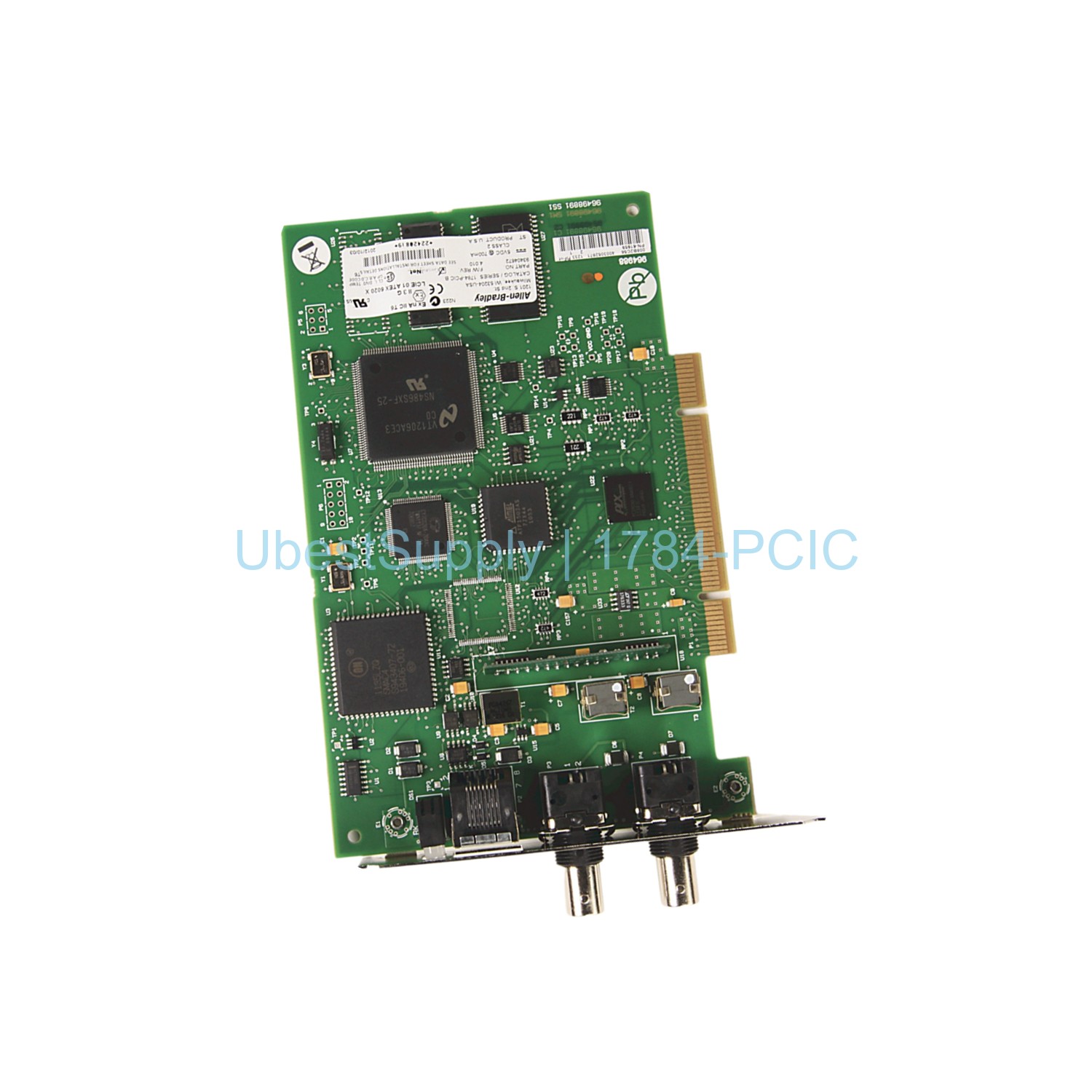
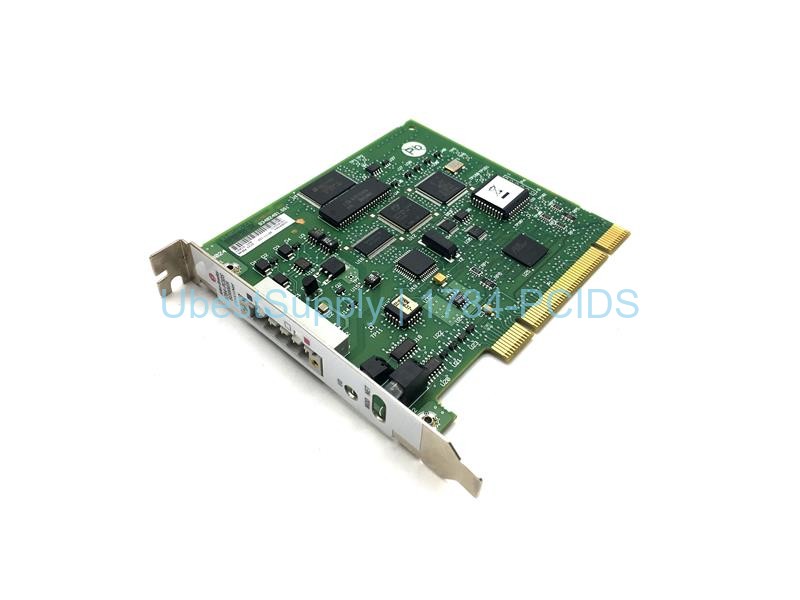
The Allen-Bradley 1784-PCIC card is a PCI communication interface. It allows computers to join ControlNet networks. This card works with PLC-5 systems. It uses a universal PCI design. The card fits many slot types. These include 5V and 3.3V PCI slots. It also works with 32-bit and 64-bit PCI slots. PCI-X slots are supported too. The card measures 4.2 x 6.5 inches. It has an RJ45 connector for programming. It also has redundant BNC connectors. Use only 1786-CP cables for connection. The card requires a computer with an available PCI slot. Installation needs standard ESD precautions. The card dissipates 3.5 Watts of power. It provides 50 Volts isolation voltage. The card survives 600 Volts for 60 seconds during testing. The operating temperature is 0 to 50 degrees Celsius. Storage temperature is -40 to 85 degrees Celsius. This card holds CE, CSA, UR, EEx, and C-tick certifications.
Application Scenarios
Use the 1784-PCIC card in industrial automation. It connects programming terminals to ControlNet devices. It works in PLC-5 based control systems. It suits applications needing high reliability. Use it for data collection and monitoring. It supports real-time control networks. It fits in factory floors and process plants. It works in harsh industrial environments. The card provides stable communication links.
Technical Specifications
Brand: Allen-Bradley / Rockwell Automation. Series: PLC 5. Product type: ControlNet PCI card. Dimensions: 4.2 x 6.5 inches. Network port interface: RJ45. ControlNet interface: BNC. Cable required: 1786-CP. Compatible slots: 5V and 3.3V PCI, 32-bit and 64-bit PCI, PCI-X. Power dissipation: 3.5 Watts. Isolation voltage: 50 Volts. Operating temperature: 0 to 50 degrees Celsius. Storage temperature: -40 to 85 degrees Celsius. Certifications: CE, CSA, UR, EEx, C-tick.
Installation & Maintenance Guide
Follow these steps for installation. First, shut down the computer. Remove the computer cover. Select a vacant PCI slot. Remove the slot's expansion cover. Handle the card with ESD precautions. Use a grounded wrist strap. Touch a grounded object first. Avoid touching card components. Insert the card into the slot. Tighten the screws. After installation, connect the RJ45 or BNC cables. Use only 1786-CP cables. Do not connect different ControlNet networks. The card provides diagnostic LEDs. These LEDs indicate card and network status. When using BNC connectors, the LEDs function. When using RJ45, the LEDs are meaningless. Maintenance requires regular inspection. Keep the card in a static-safe container when not in use. Store at recommended temperatures.
Packing List
The package includes one 1784-PCIC card. It also includes a quick start guide. No other accessories are included. Shipping via FedEx, UPS, or DHL.



Leave a Reply