

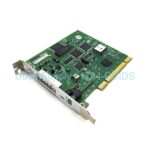
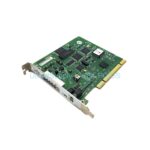
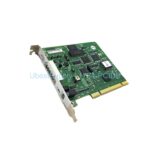
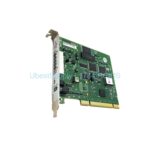
Product Overview
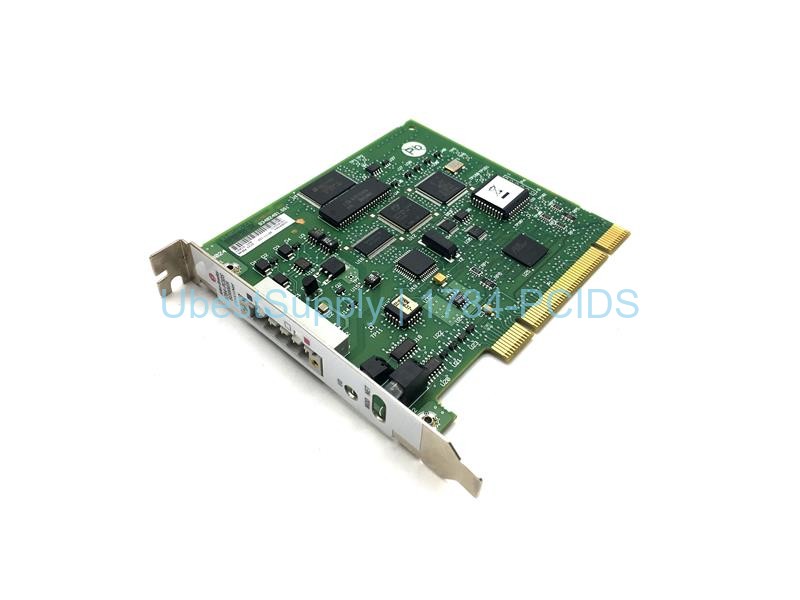
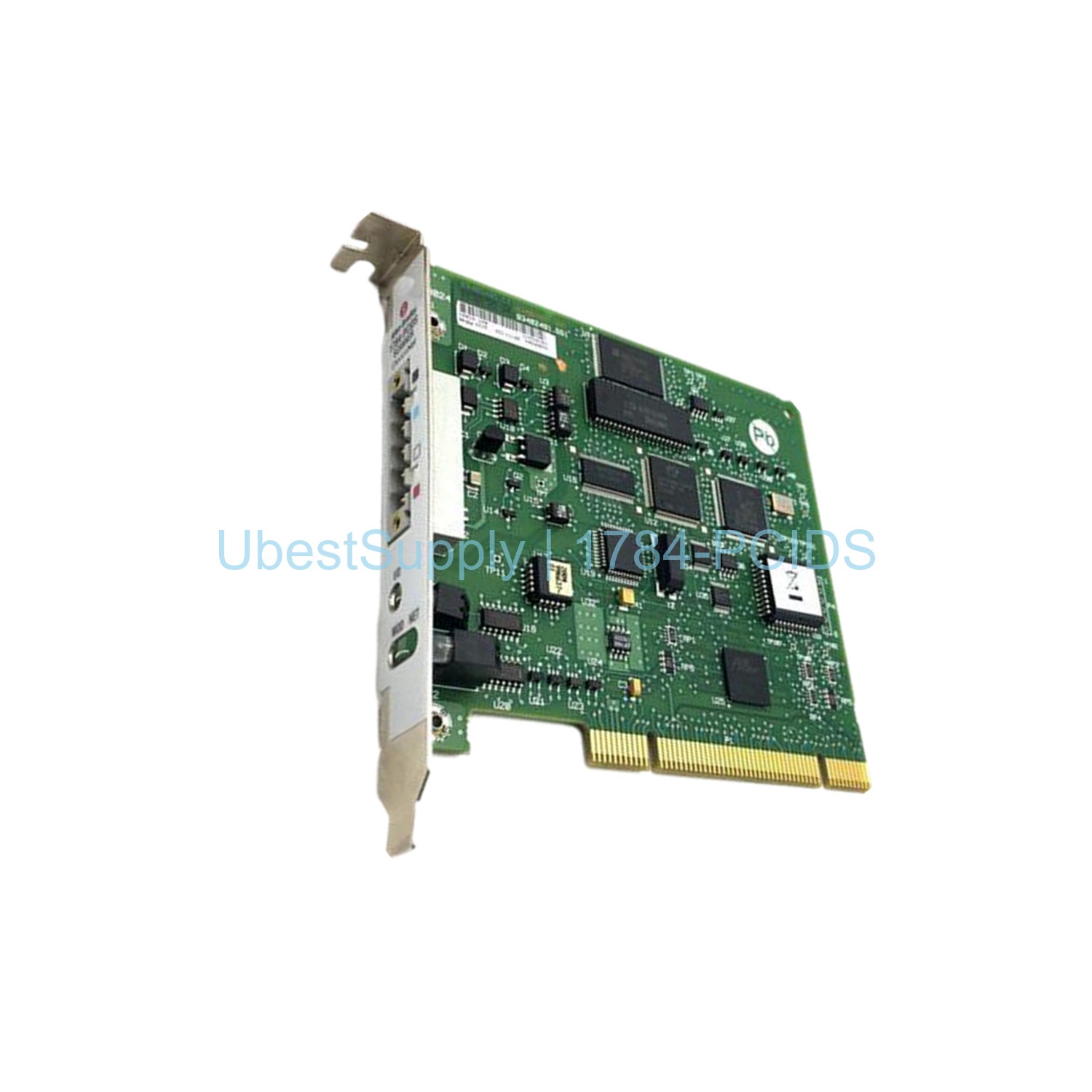
The Allen-Bradley 1784-PCIDS is a DeviceNet universal PCI scanner card. This card connects a host computer to a DeviceNet network. It has one DeviceNet terminal for connection. The host device can monitor and configure networks. The card supports explicit messaging and I/O scan capabilities. Install it in a PCI 2.1 compliant slot. The mechanical form factor uses PCI 5V, 32-bit short card. Dimensions are 4.2 inches height and 4.721 inches length. The card receives power from the PCI bus. The host computer provides 5V at 625 mA maximum. The DeviceNet network provides +24VDC at 90 mA maximum. It has built-in status indicators for I/O, network, and module status.
Application Scenarios
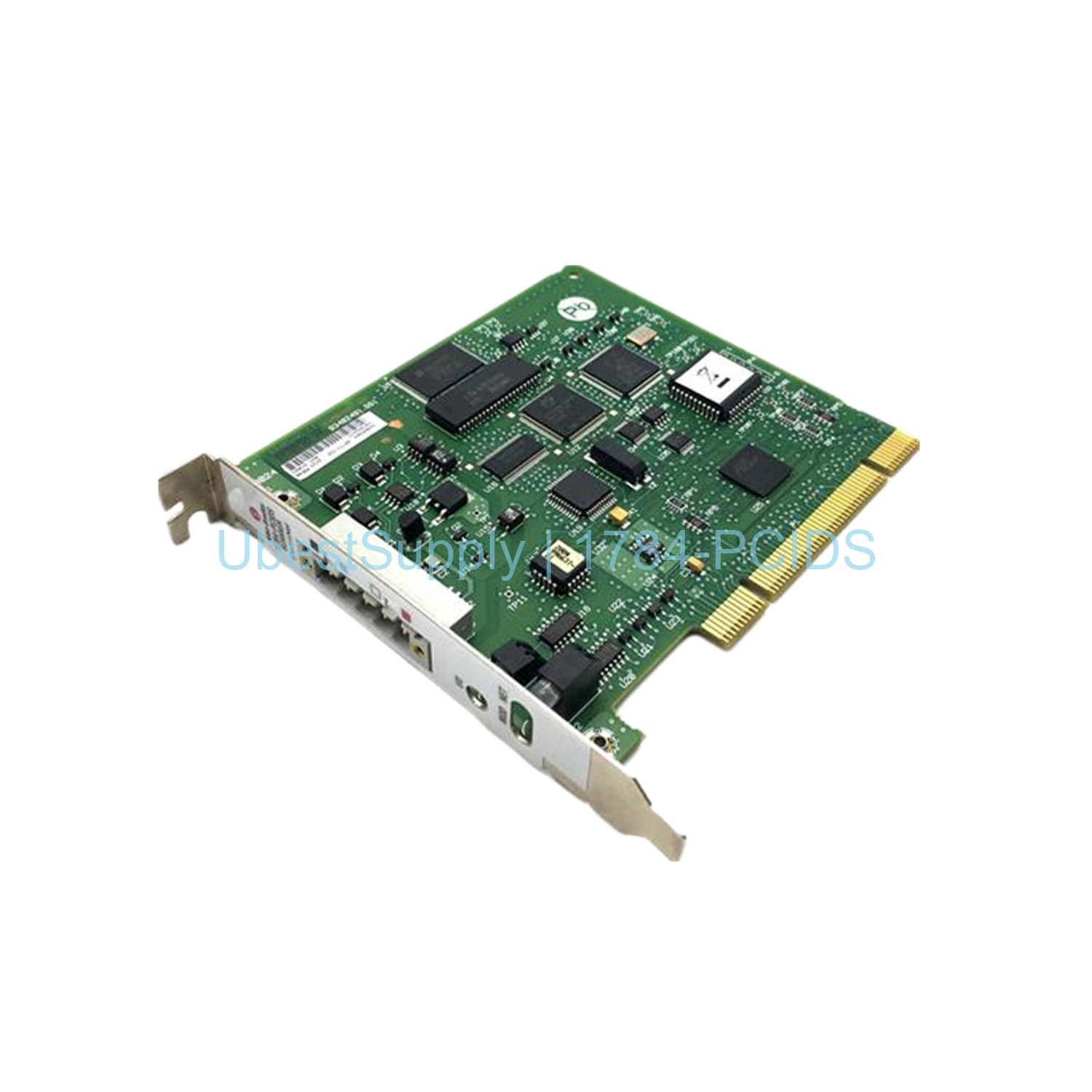
Use the 1784-PCIDS card for DeviceNet network management. It allows a workstation to act as a scanner. You can read and write data to multiple devices. Use it in manufacturing and process control. The card helps with troubleshooting and commissioning. It supports both Series A and Series B software compatibility. Series A works with I/O Linx and RSNetworx. Series B works with RSLinx and RSNetworx for DeviceNet.
Technical Specifications
- Brand: Allen-Bradley
- Part Number: 1784-PCIDS
- Product Type: DeviceNet PCI card
- Disk Space Required: 2 MB
- Relative Humidity: 5 to 95%
- PC Power Requirement: 5 Volts DC, 625 milliamps
- Operating Temperature: 32 to 131 degrees Fahrenheit
- Storage Temperature: -40 to 185 degrees Fahrenheit
- Manufacturer: Rockwell Automation
- Compatible PCI Slot: PCI rev. 2.1
- Mechanical Form Factor: PCI 5V, 32-Bit short card
- Available Series: Series A / Series B
- Enclosure: Open
- UPC: 10612598180445
This card has 2048 bytes input image and 2048 bytes output image. The card capacity is 2048 bytes for input and output tables. It supports monitoring, configuration, and I/O scanning.
Installation & Maintenance Guide
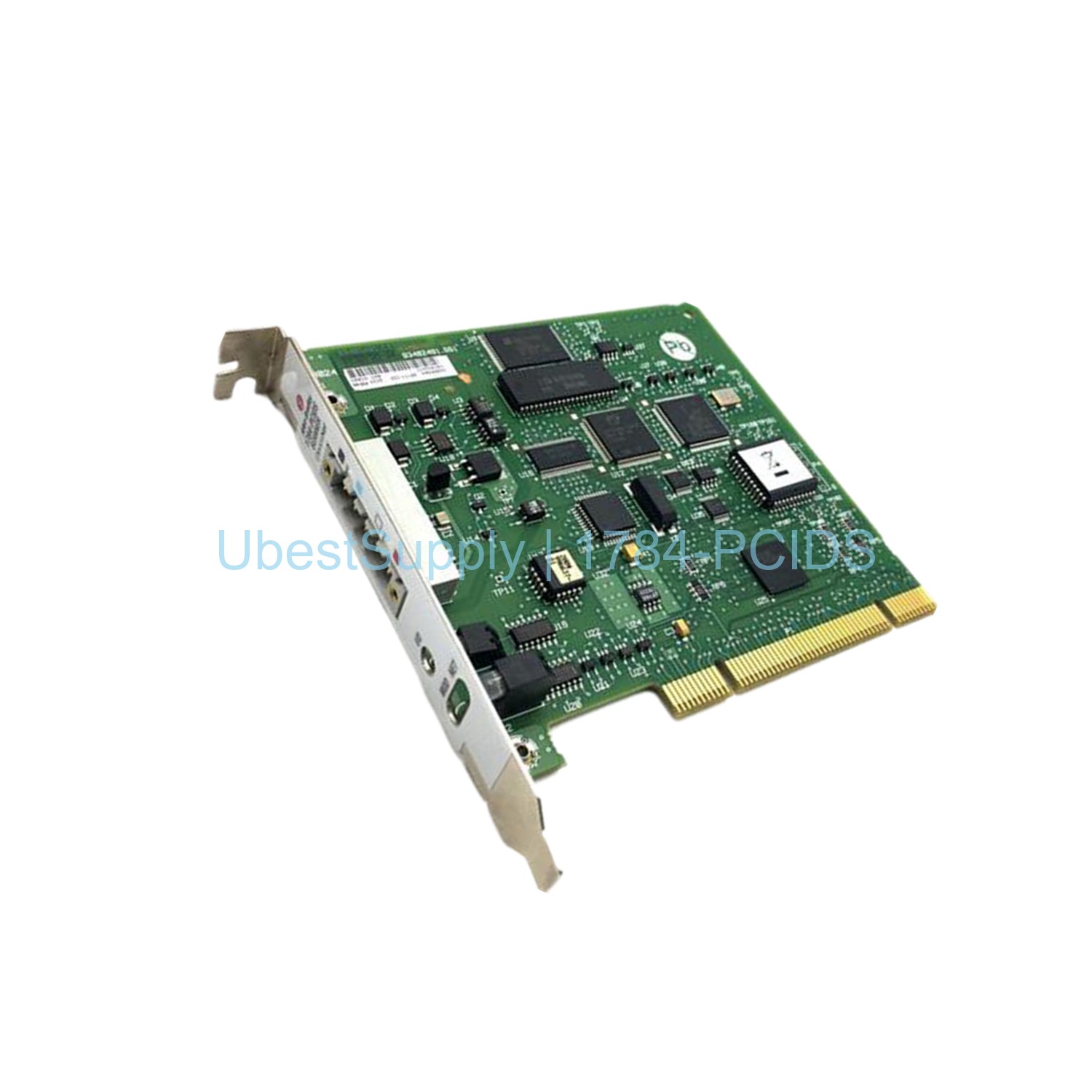
Before installation, turn off the computer. Disconnect all power cables. Open the computer case. Locate an available PCI slot. Remove the slot cover. Align the card with the slot. Press firmly until seated. Secure the card with the mounting screw. Close the computer case. Reconnect power. Boot the computer. Install the required software. Use anti-static precautions. Handle the card by its edges. Avoid touching electronic circuits. The card has an open casing. Store the card in an anti-static bag when not in use. Mount the computer on a grounded table.
Packing List
- 1x Allen-Bradley 1784-PCIDS DeviceNet PCI Card
- 1x Documentation (if available)
Shipping is via Fedex, UPS, or DHL.




Leave a Reply