

Product Overview
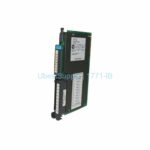
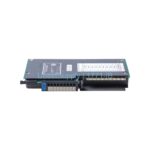
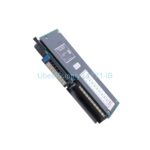
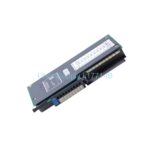
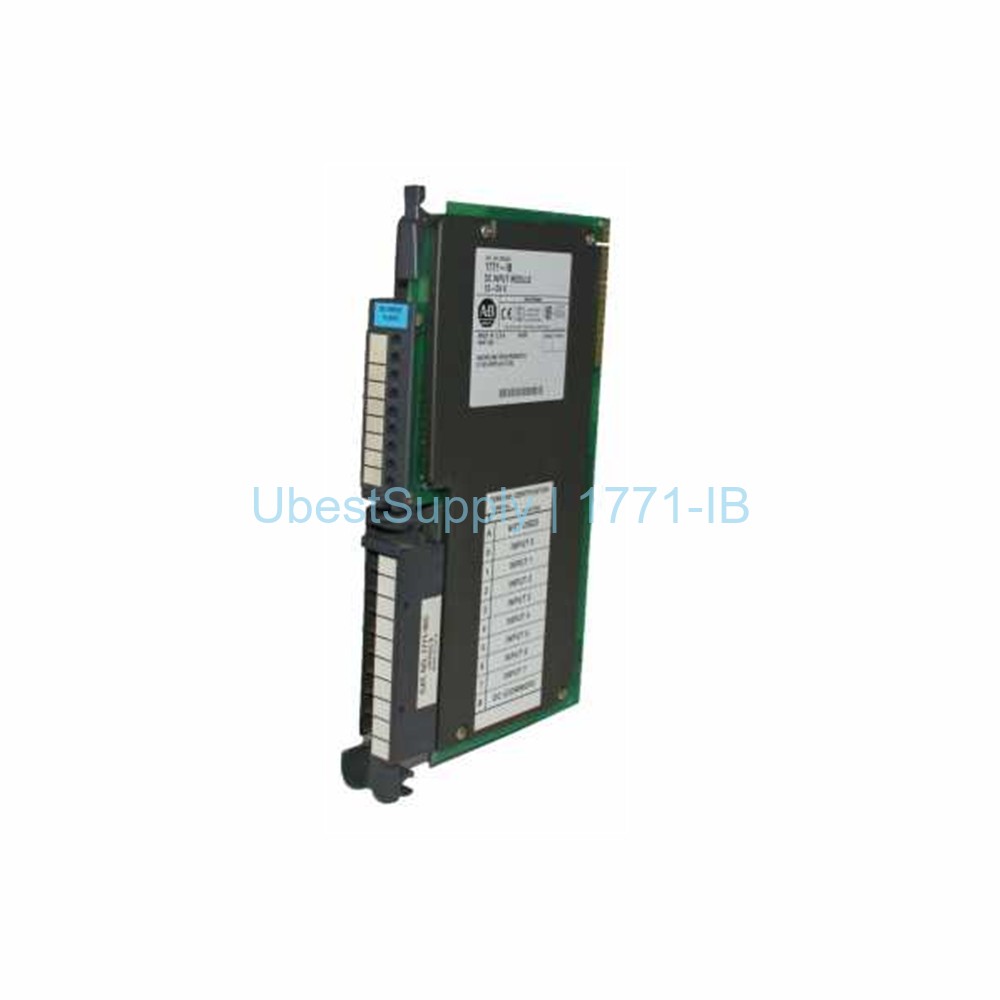
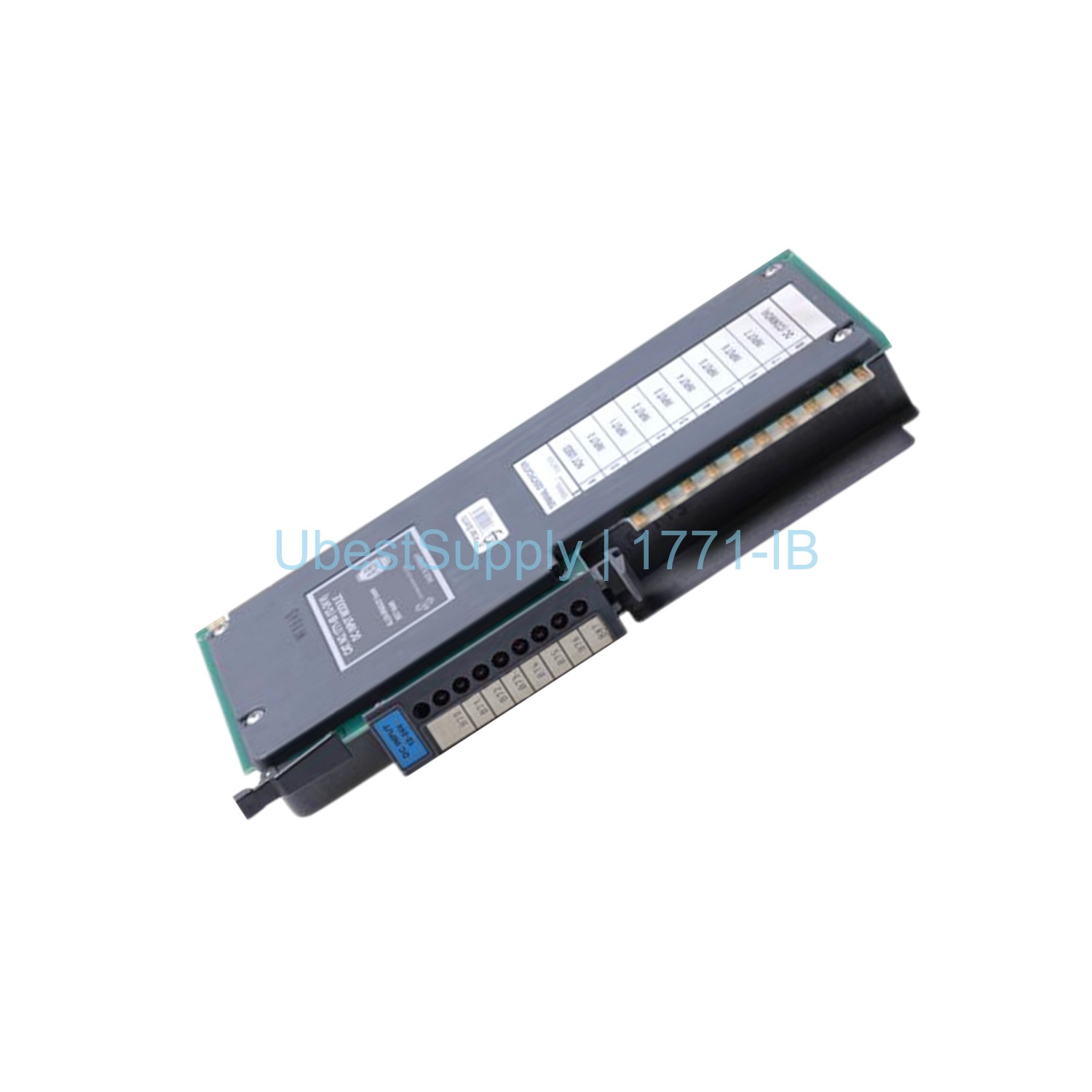
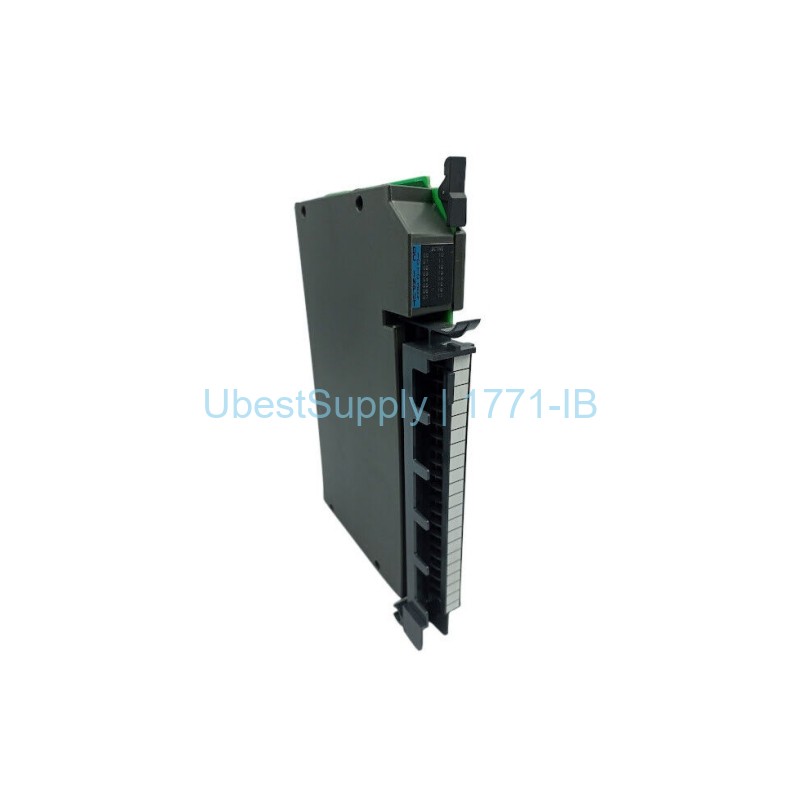
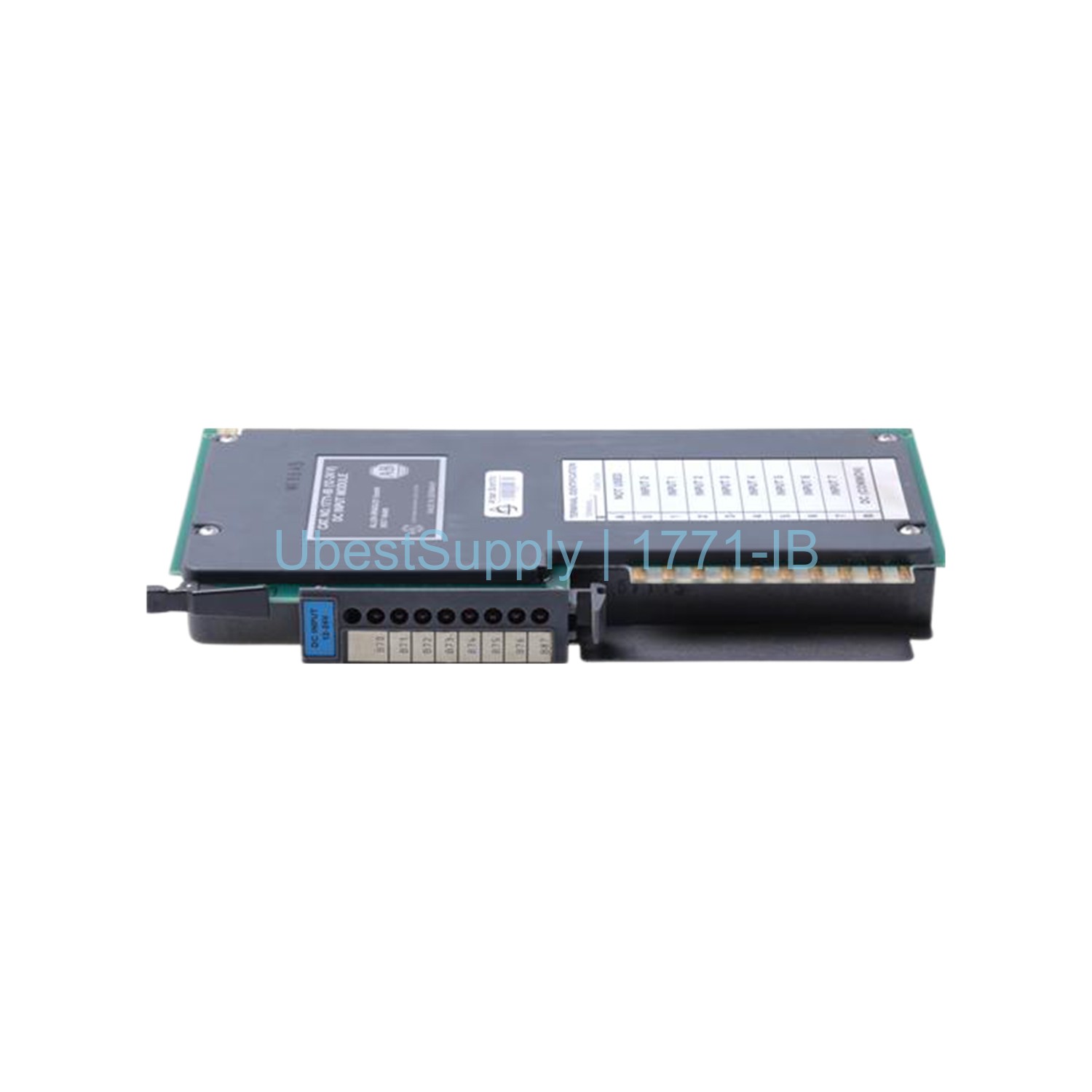
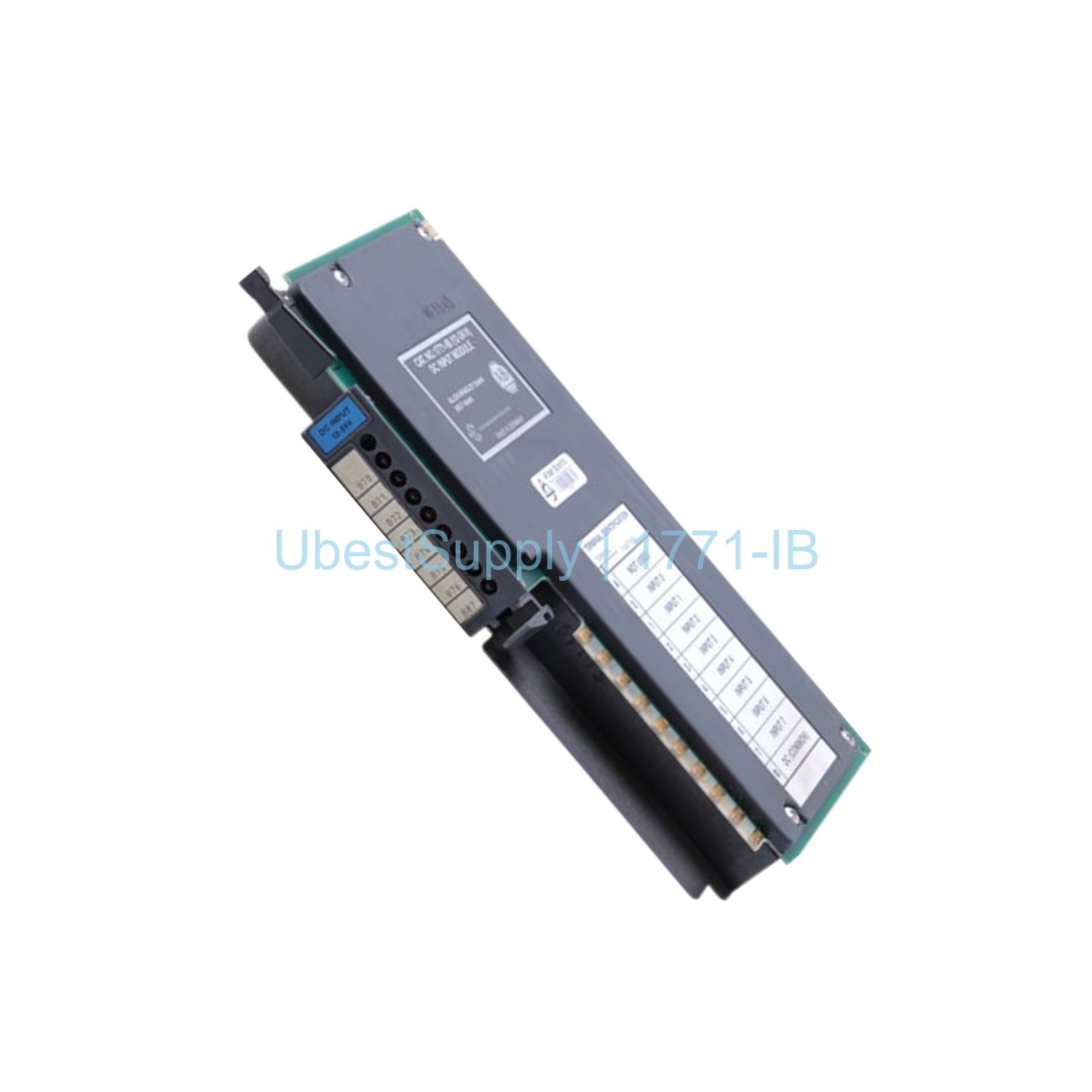
The 1771-IB is a digital DC input module from Allen-Bradley. It belongs to the PLC 5 family. This module converts DC signals from user devices into logic levels for the processor. It uses a modular design that saves space and cost. The module fits in a 1771 I/O chassis. It works with source-switching devices like dry contacts and pushbuttons. The 1771-IB has eight input channels. Each channel accepts voltages from 10 to 27 VDC. Typical input current is 8 mA at 12 VDC and 24 mA at 24 VDC. The module includes a wiring arm for easy replacement. You do not need to disconnect wires when swapping modules. This feature reduces downtime. The 1771-IB uses opto-electrical isolation to protect system circuits. It also has input filtering to reduce electrical noise. Eight red LEDs on the front panel show field side status.
Application Scenarios
Use the 1771-IB in industrial automation systems. It works well with PLC 5 controllers. Common applications include machine control and process monitoring. The module reads signals from limit switches and sensors. It also interfaces with selector switches and push buttons. This module suits environments with high electrical noise. Its filtering and isolation improve reliability. You can install it in panel cabinets or control rooms. The compact size fits in tight spaces. The 1771-IB operates in temperatures from 0 to 60 degrees Celsius. It is ideal for factories, power plants, and water treatment facilities.
Technical Specifications
Module Type: Digital DC Input Module. Number of Inputs: 8. Voltage Category: 10-60 VDC, Sink (Source Load). Operating Voltage: 10-27 VDC. Backplane Current: 74 mA max. Off-State Current: 3.0 mA typical. Signal Delay On: 12 ms (±7). Signal Delay Off: 20 ms (±7). Dimensions: 3.5 x 6.5 x 2.0 inches (89 x 165 x 51 mm). Power Dissipation: 5.7 W. Thermal Dissipation: 19.3 BTU/hr. Isolation: Opto-electrical. Wiring Arm: 1771-WN. Keying Bands: between pins 14 and 16 (upper), and pins 4 and 6 (lower). Supported Addressing: ½, 1, and 2-slot I/O addressing.
Installation & Maintenance Guide
Install the 1771-IB in a 1771 I/O chassis. Ensure the chassis has a compatible PLC processor. Align the keying bands to prevent wrong insertion. Slide the module into the slot until it locks. Attach the wiring arm to connect field devices. Use standard DC wiring practices. For maintenance, check the front LEDs for status. A steady red LED means the input is active. Replace a faulty module by pulling the wiring arm. Then remove the module from the slot. Insert the new module and reconnect the wiring arm. No need to power down the chassis. Ship the module using FedEx, UPS, or DHL for fast delivery.
Packing List
1 x Allen-Bradley 1771-IB Digital DC Input Module. 1 x 1771-WN Wiring Arm (attached). 1 x Installation Manual. The module is packed in anti-static material. It is ready for immediate use. Contact your supplier for additional accessories.



Leave a Reply