

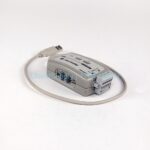
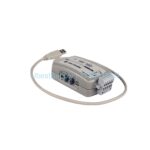
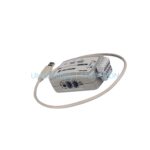
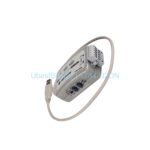
Product Overview
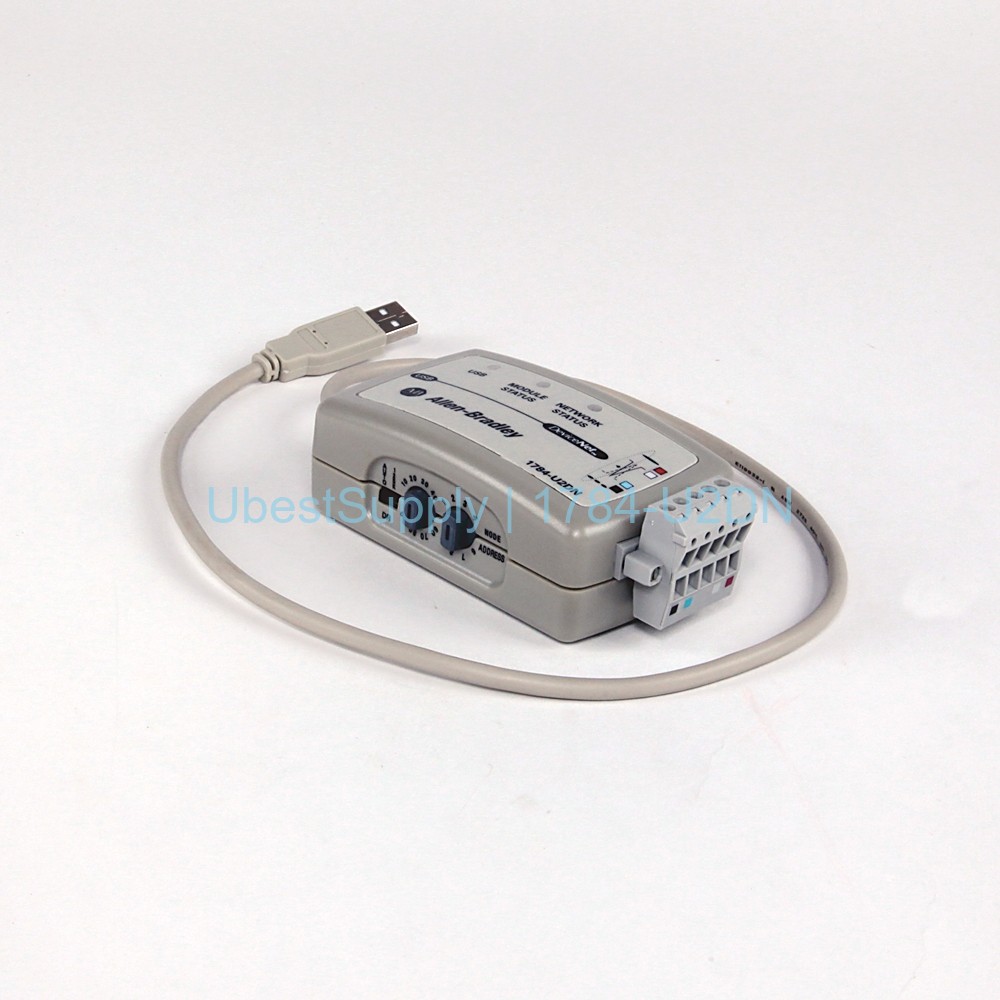
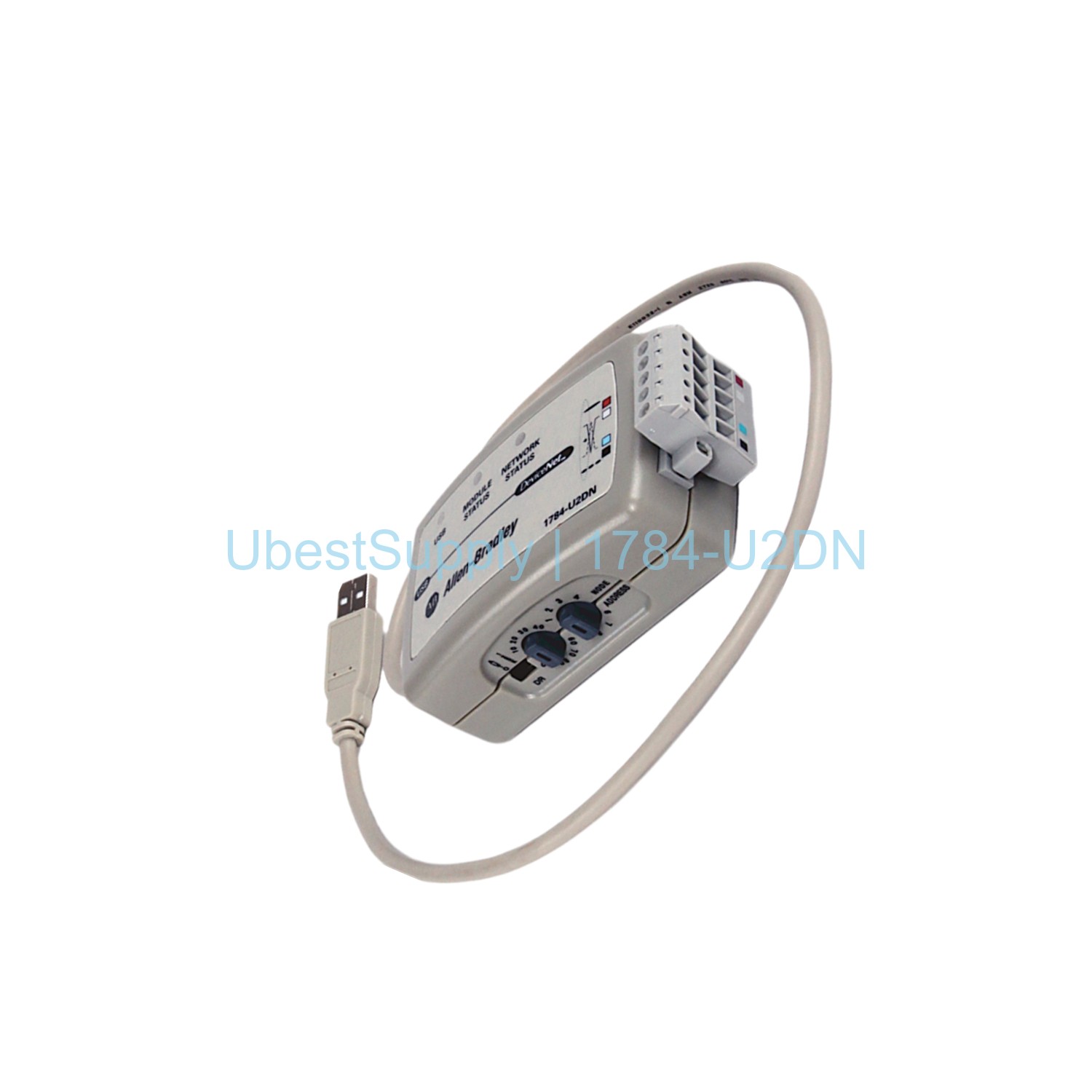
The Allen-Bradley 1784-U2DN cable offers a simple USB connection to a DeviceNet network. It measures 0.61 meters in length. The cable supports three data rates: 125, 250, and 500 kbps. It features auto-detection of the active network rate. A manual switch sets the fallback rate to 125 kbps. The device includes a node address selector for network identification. Status LEDs show blue and red for module, network, self-test, and standby modes. The USB host interface provides 5 VDC at 75 mA. The DeviceNet side requires 24 VDC at 75 mA. Power consumption is 0.5 W. The enclosure meets IP20 protection. It is certified with C-Tick, CE, KC, and UL standards. This cable is designed for industrial environments.
Application Scenarios
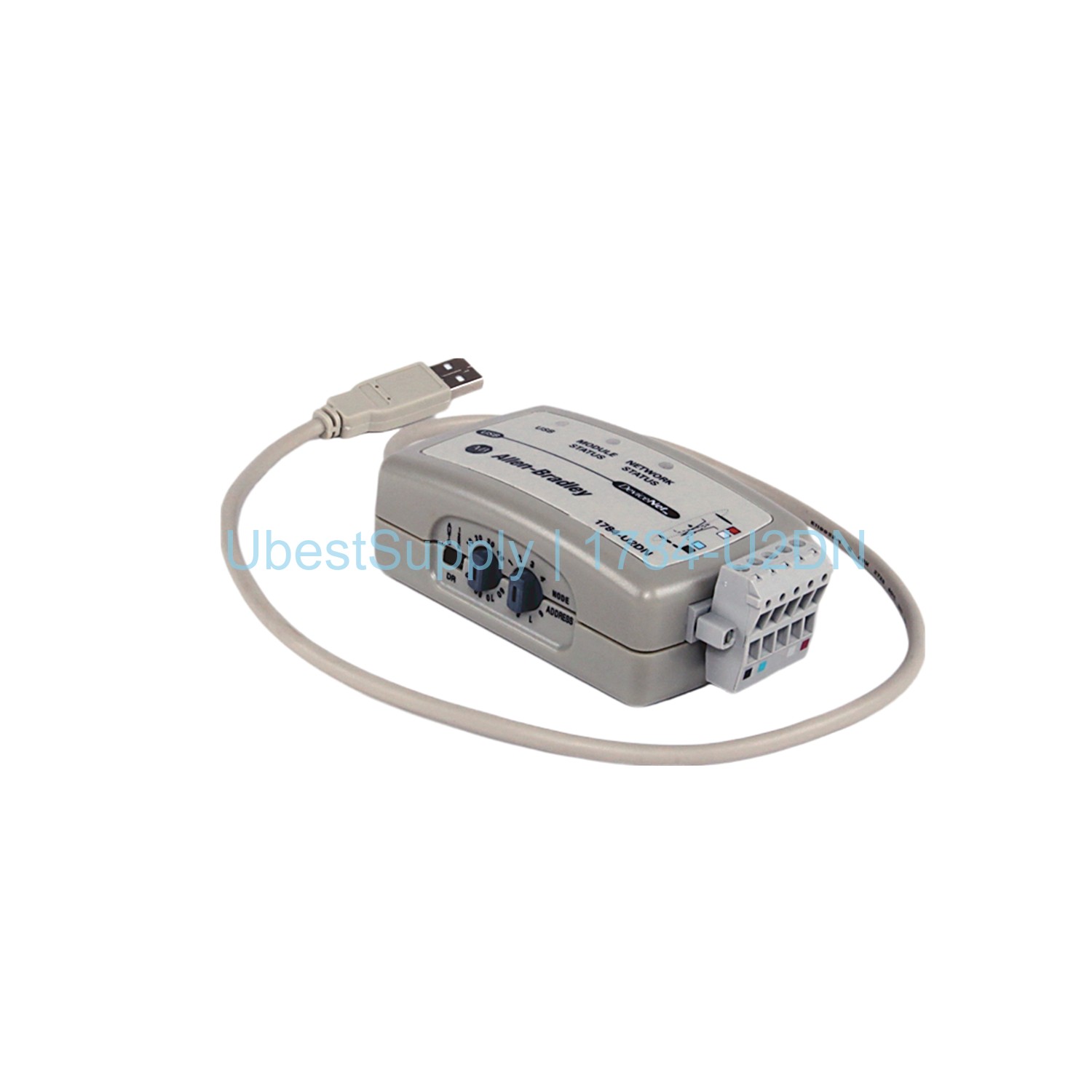
Technicians use this cable to connect a computer to a DeviceNet network. It is ideal for programming PLCs and configuring drives. The cable allows real-time monitoring of DeviceNet nodes. It simplifies network diagnostics and troubleshooting. Use it during system commissioning or maintenance. The flexible data rate settings adapt to different network speeds. The node address selector helps assign unique IDs. This cable works with Rockwell Automation and other DeviceNet-compatible devices. It is a handy tool for field engineers and system integrators.
Technical Specifications
- Brand: Allen-Bradley / Rockwell Automation
- Part Number: 1784-U2DN
- Length: 0.61 meters
- Data Rates: 125, 250, 500 kbps
- USB Voltage: 5 VDC at 75 mA
- DeviceNet Supply: 24 VDC at 75 mA
- Power Consumption: 0.5 W
- Weight: 0.23 lbs
- Enclosure Rating: IP20
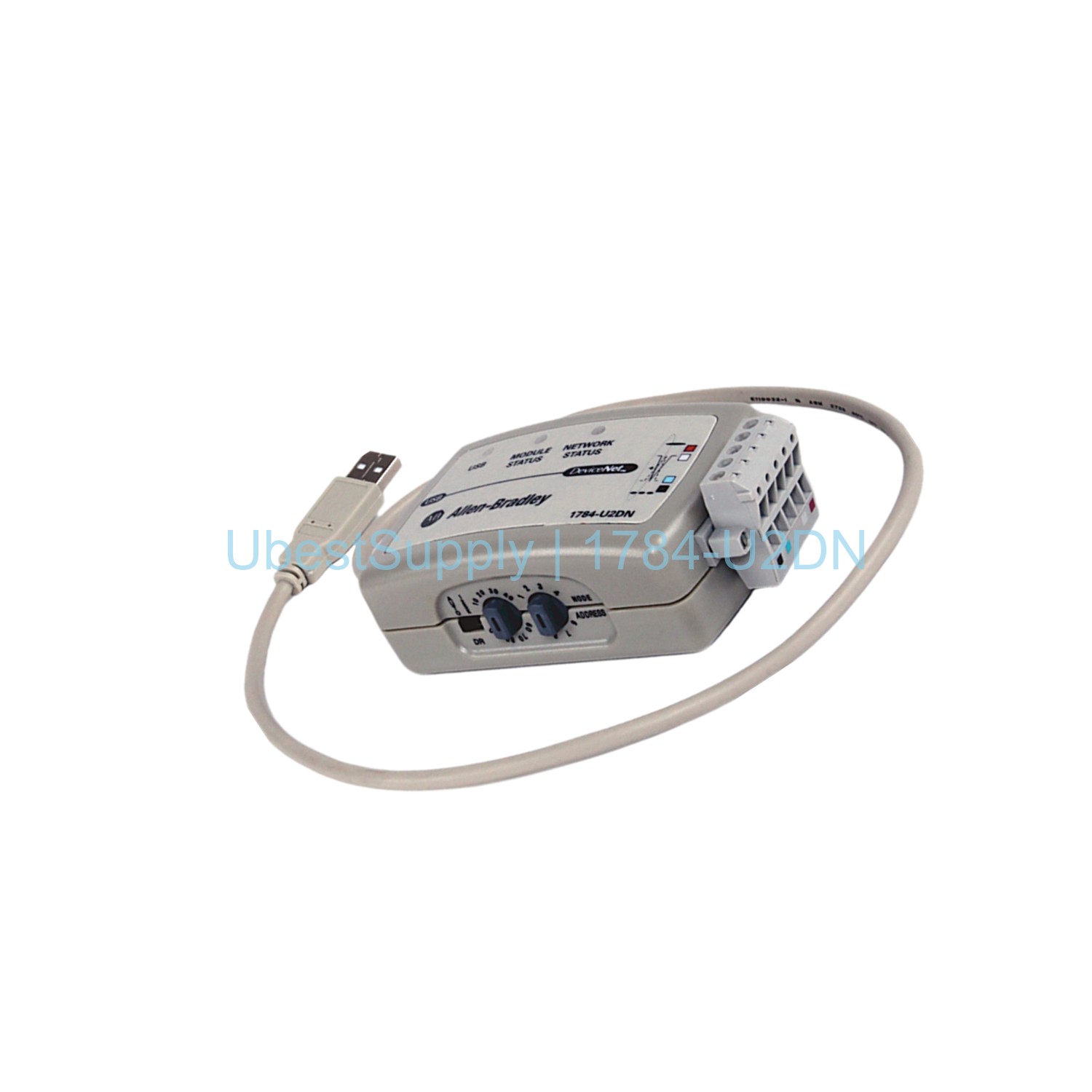
- Connector: 1 open style male 5-pin Phoenix
- Status LEDs: Blue and red (network, module, self-test, standby)
- Compliance: C-Tick, CE, KC, UL
- Operating Temperature: up to 55°C
Installation & Maintenance Guide
First, install the driver software on your computer. Then connect the USB end to an available port. Attach the DeviceNet connector to the network. Set the data rate switch to match your network. The cable will auto-detect the active rate. If not, it falls back to 125 kbps. Rotate the node address selector to a unique value. Mount the device using the built-in mounting unit. Ensure the area is within 55°C ambient temperature. The cable is not water resistant. No regular maintenance is needed. Keep the cable clean and dry.
Packing List
The package includes the 1784-U2DN cable. It comes with a USB cable and a quick start guide. No other accessories are provided.

Leave a Reply