

Product Overview
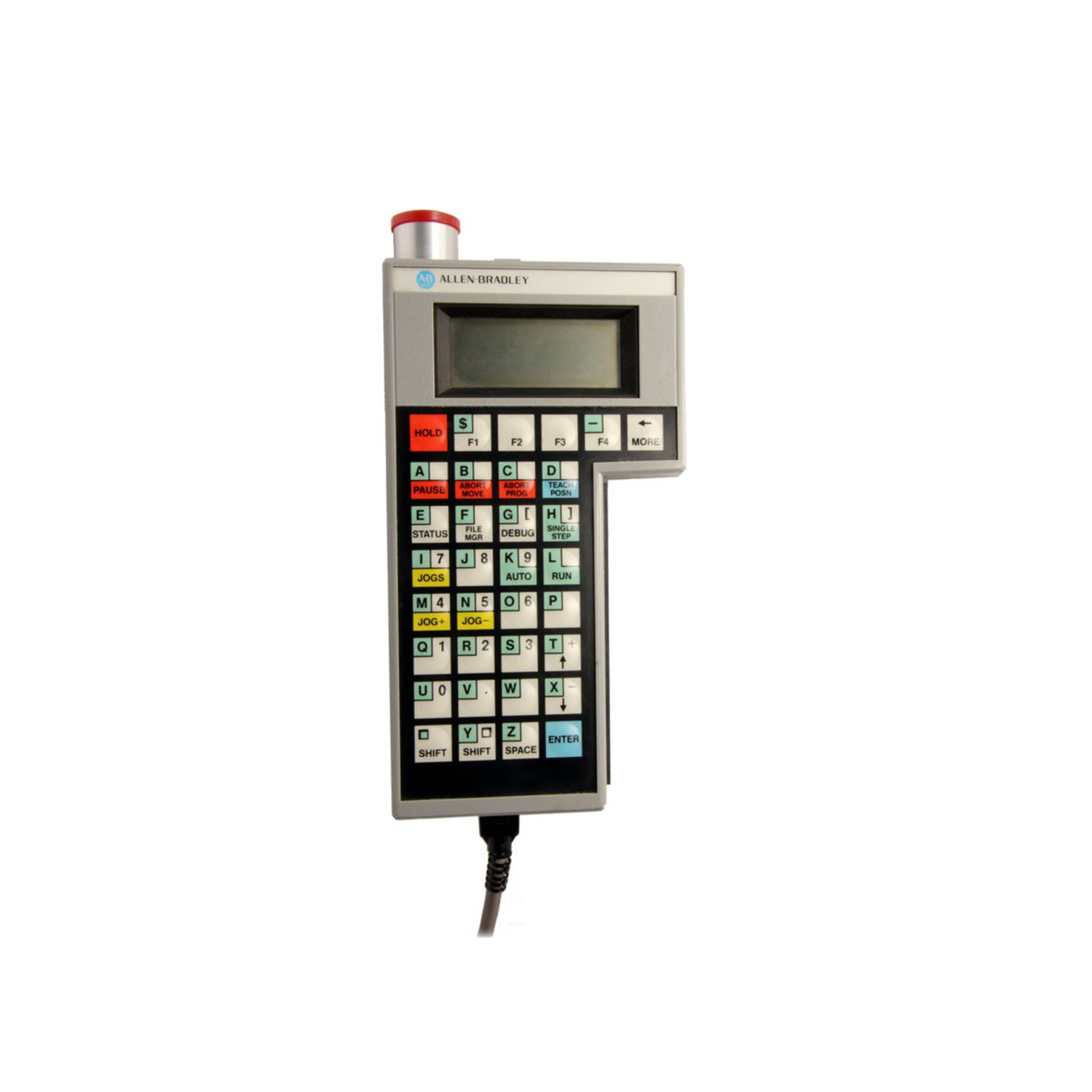
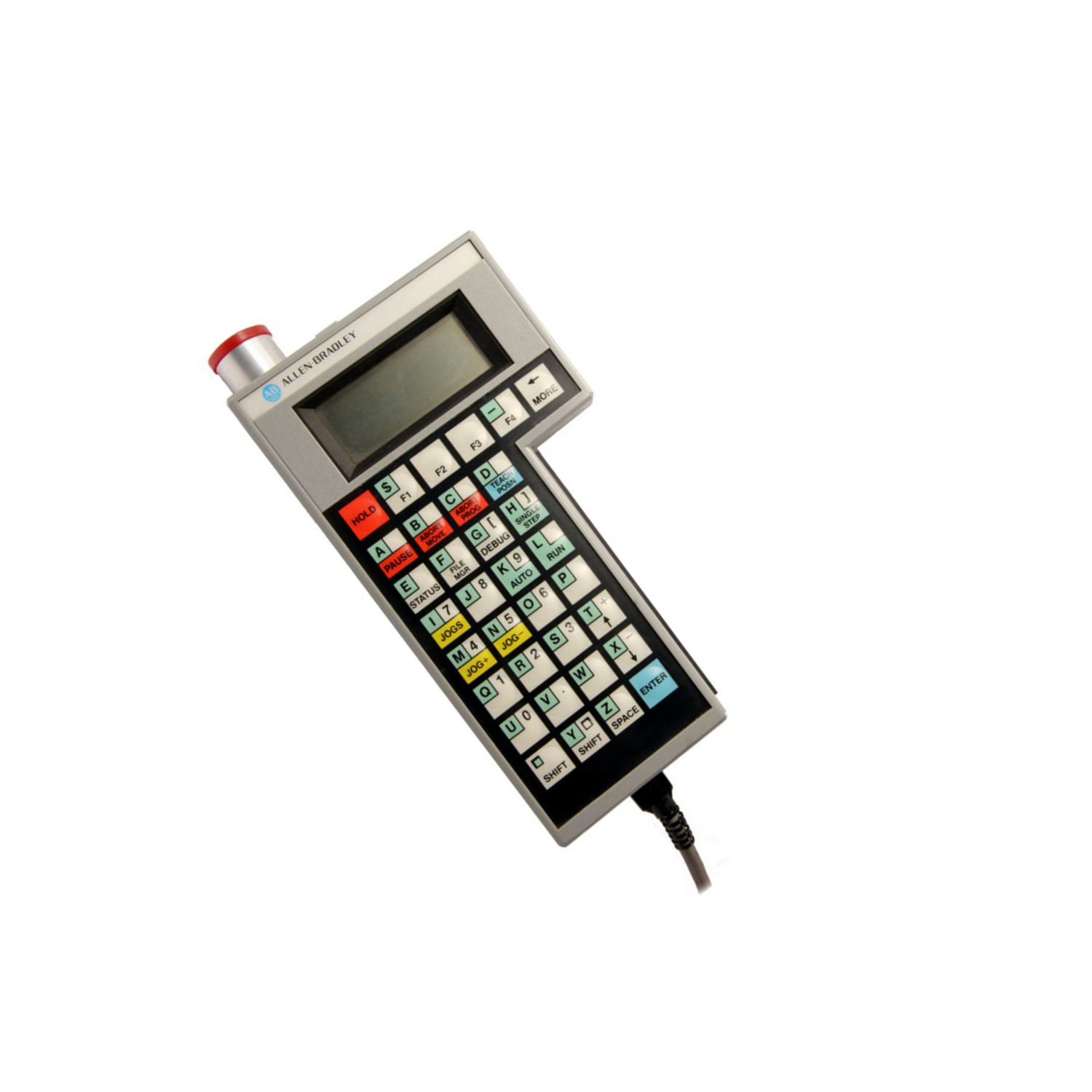
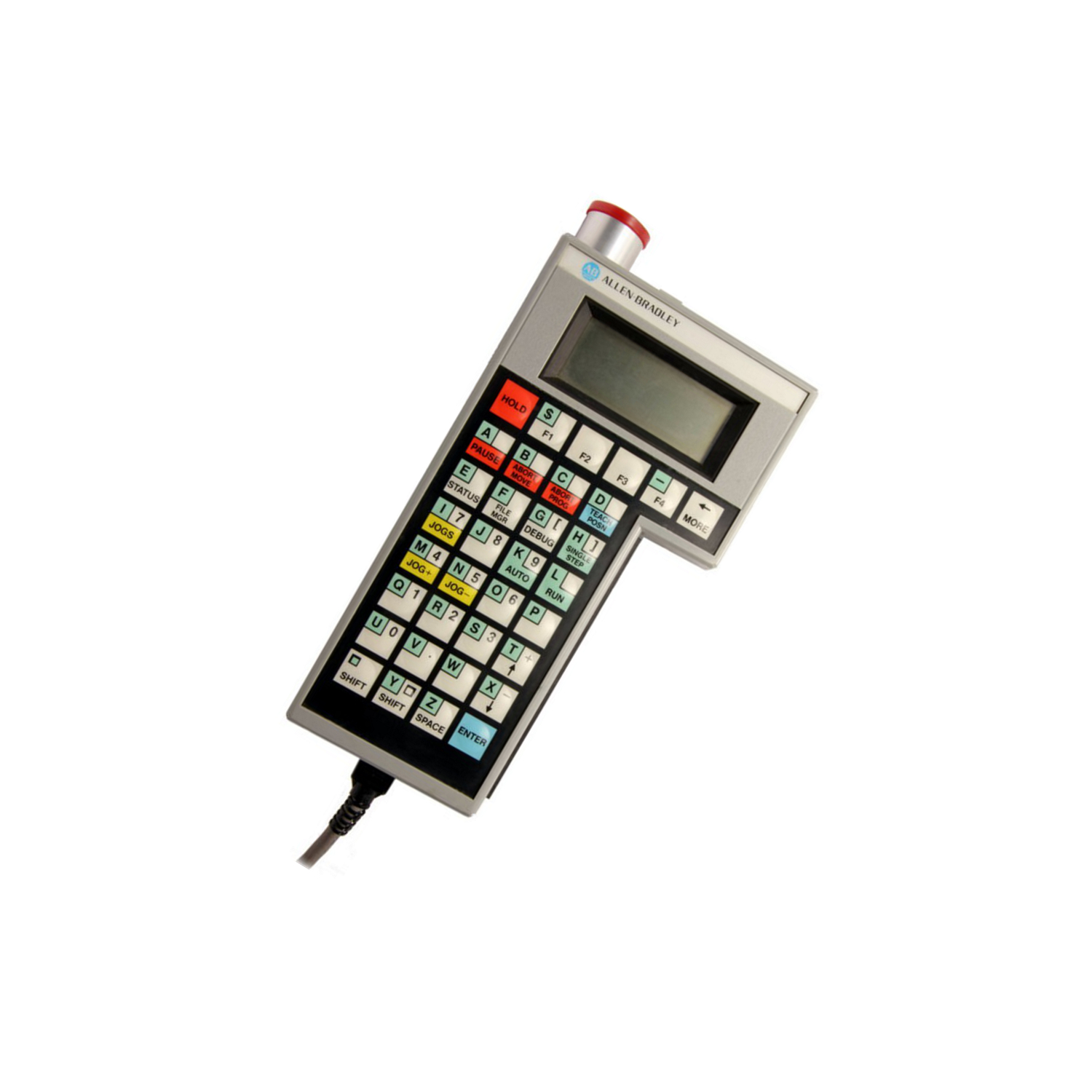
The 1771-HD is a handheld teach pendant from Allen-Bradley. It works with PLC 5 controller systems. This terminal lets users change system values. It uses the Offline Development System (ODS). The cable length is 25 feet (8 meters). The pendant connects via a 9-pin RS-232 port.
The device has a 4-line by 16-character display. It shows error messages and menus. Hard keys have fixed functions. Soft keys change depending on the menu. Users can select five menu displays: Jogs, Status, Debug, File Manager, and Teach Position.
Application Scenarios
Use the 1771-HD in industrial automation settings. It is ideal for PLC 5 programming. Operators can modify parameters remotely. This terminal is portable and easy to hold. It helps with debugging and status checks. The 25-foot cable allows flexible positioning.
Technical Specifications
Manufacturer: Rockwell Automation. Brand: Allen-Bradley. Part Number: 1771-HD. Module Type: Handheld Teach Pendant. Fuse Voltage: 120 Volts Max. Input Frequency: 250 Kilohertz. Differential Input Outputs: +/- 10 Volt DC Analog Command. Slots: 2 Slots Per ES Module. Update Period: 2 ms/axis. Backplane Current: 1.7 Amperes. Wiring Arm: 1771-WA. Pulse Capture Time: 50-9.999 Microseconds. Dimensions: 3.5 x 6.5 x 2.0 inches (89 x 165 x 51 mm). Operating Temperature: 0 to 60°C. Relative Humidity: 5-95% non-condensing.
Installation & Maintenance Guide
Connect the 1771-HD to the motion controller using the 1771-CAD cable. Plug into a 9-pin RS-232 port. Use the 1771-CAS connector for AC power (120V or 240V). Perform a diagnostic test with the switch and button. Keep the pendant within operating temperature range. Avoid condensation and high humidity.
Shipping options include Fedex, UPS, and DHL. Ensure proper packaging for transport.
Packing List
The package typically includes: 1x 1771-HD Handheld Teach Pendant, 1x 1771-CAD cable (25 ft), and 1x documentation manual. Additional items may vary by supplier.


Leave a Reply