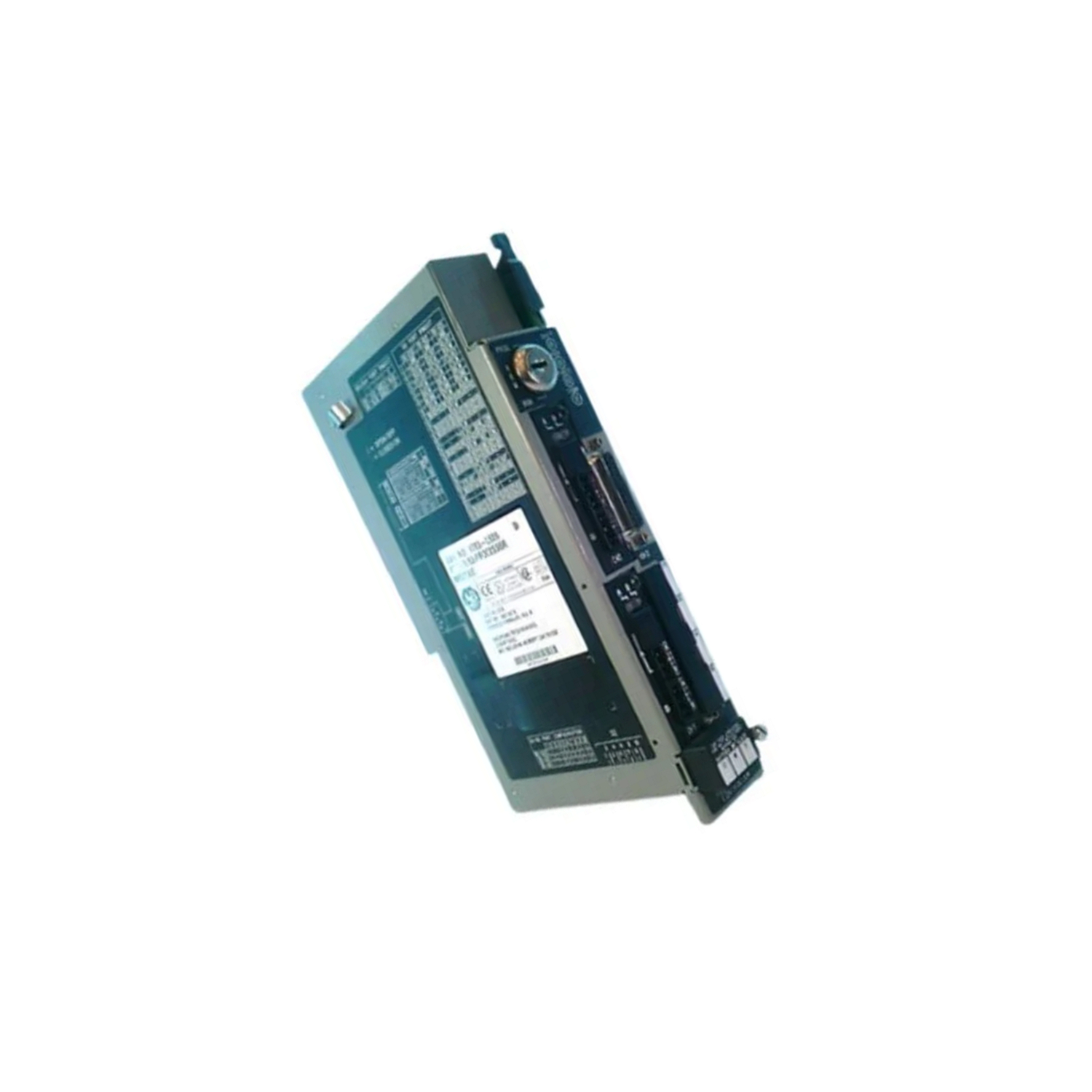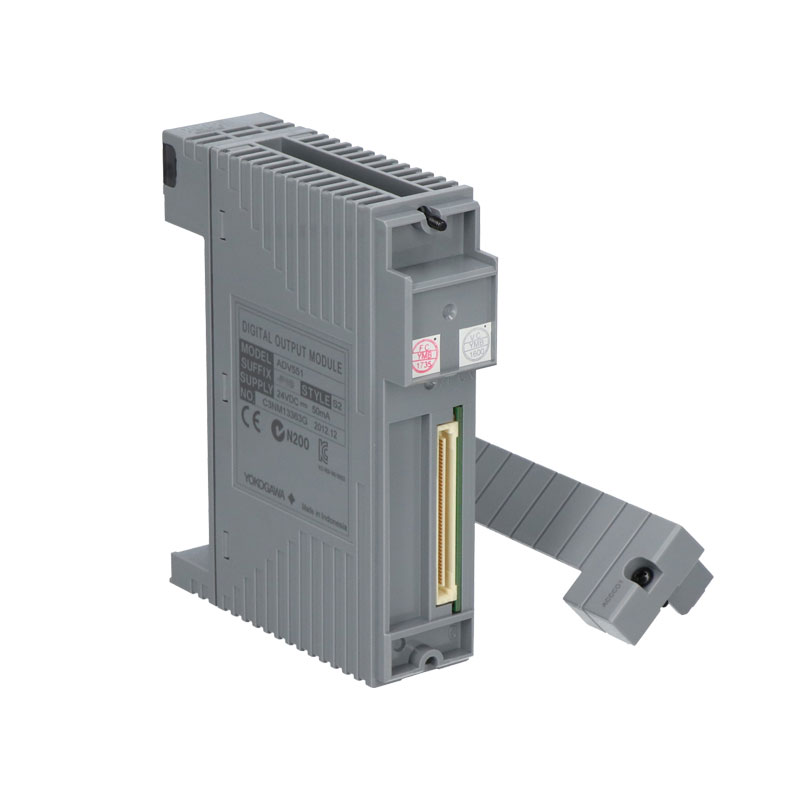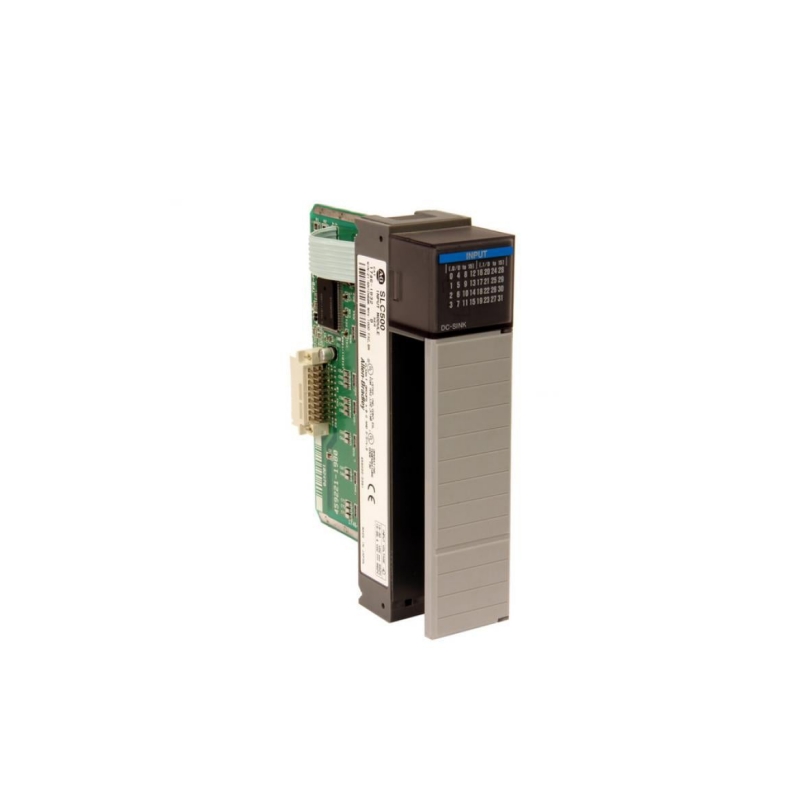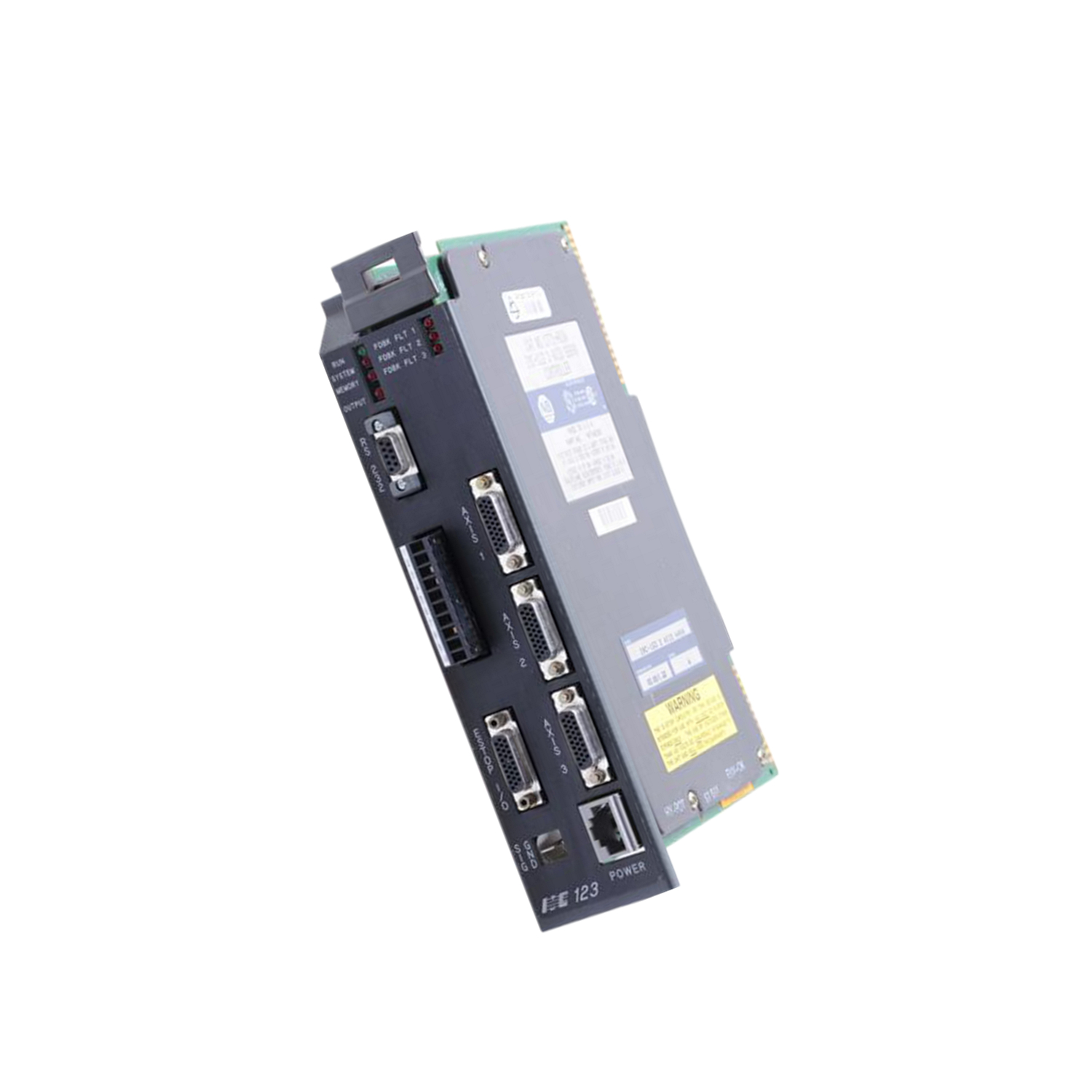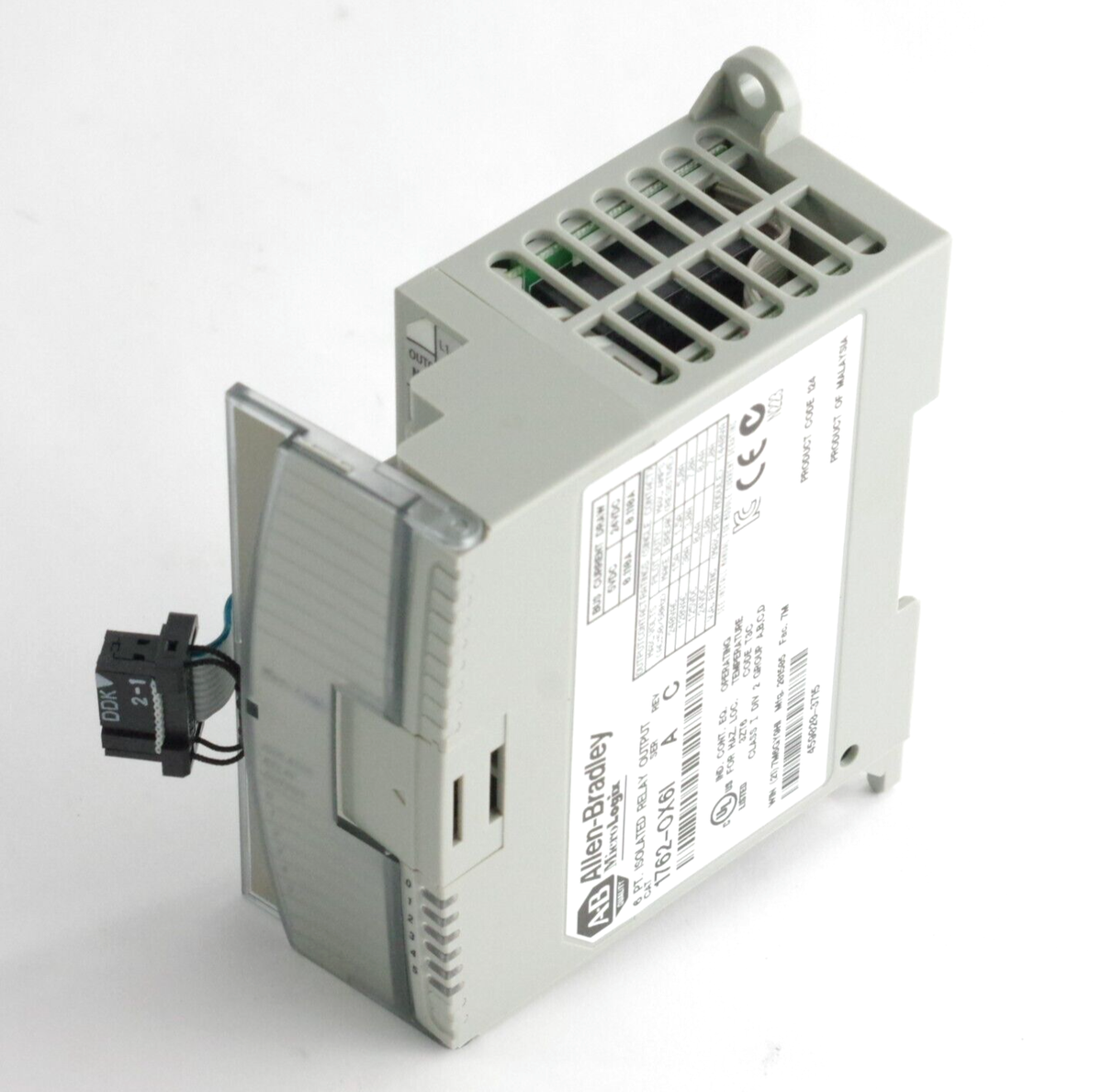

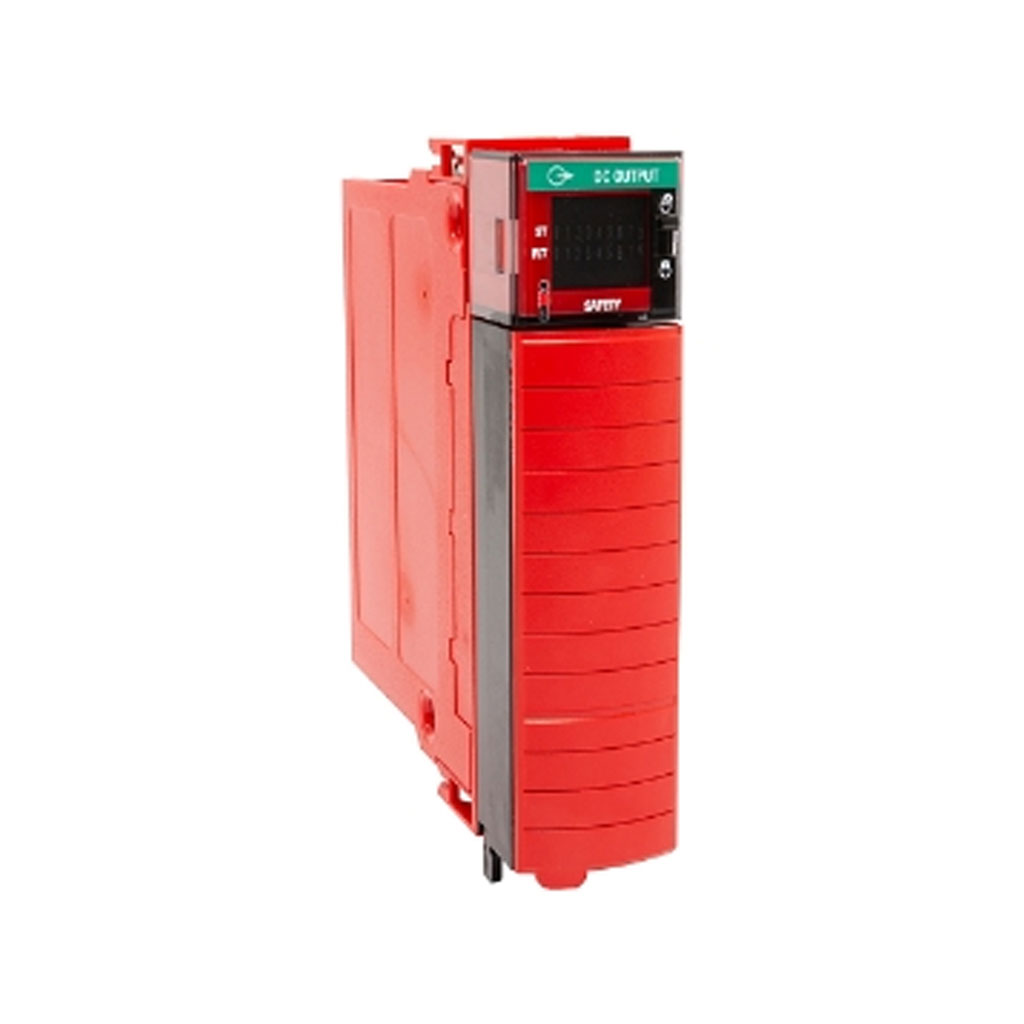
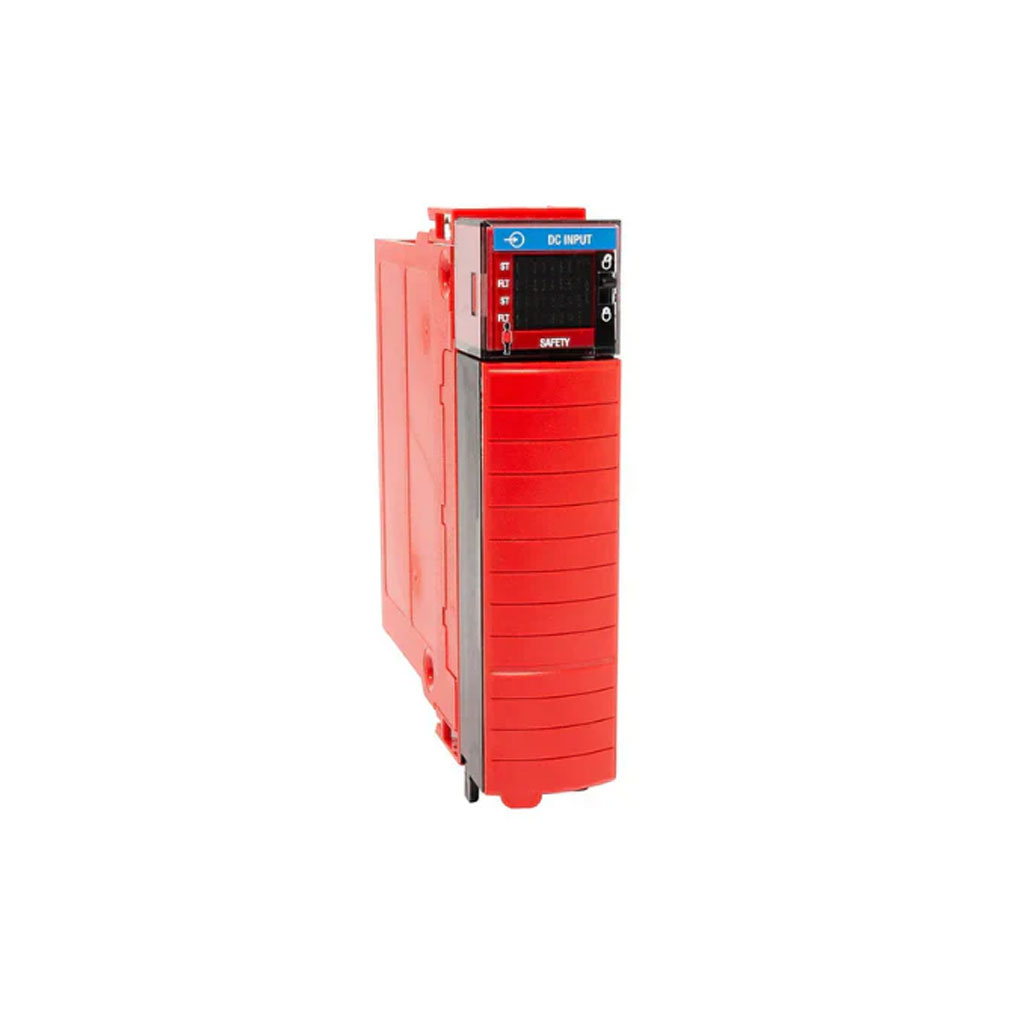
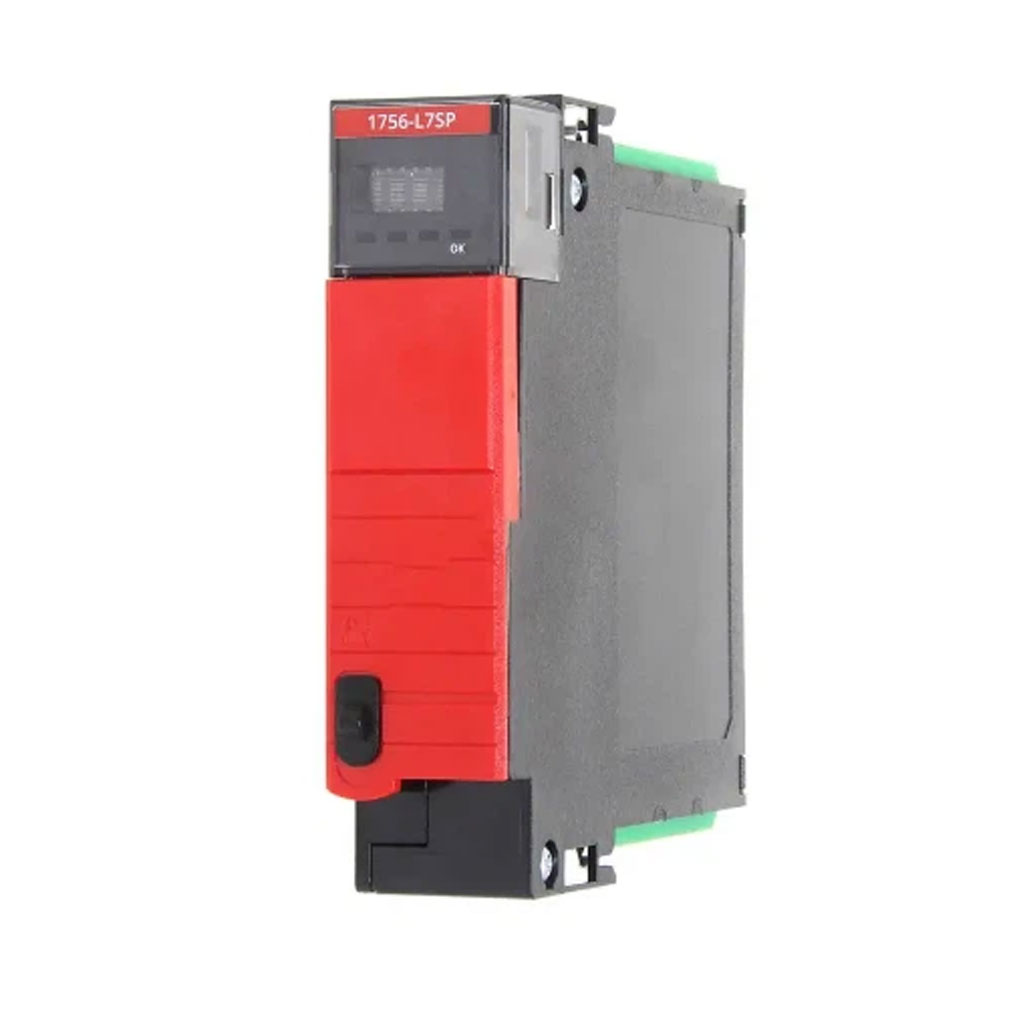
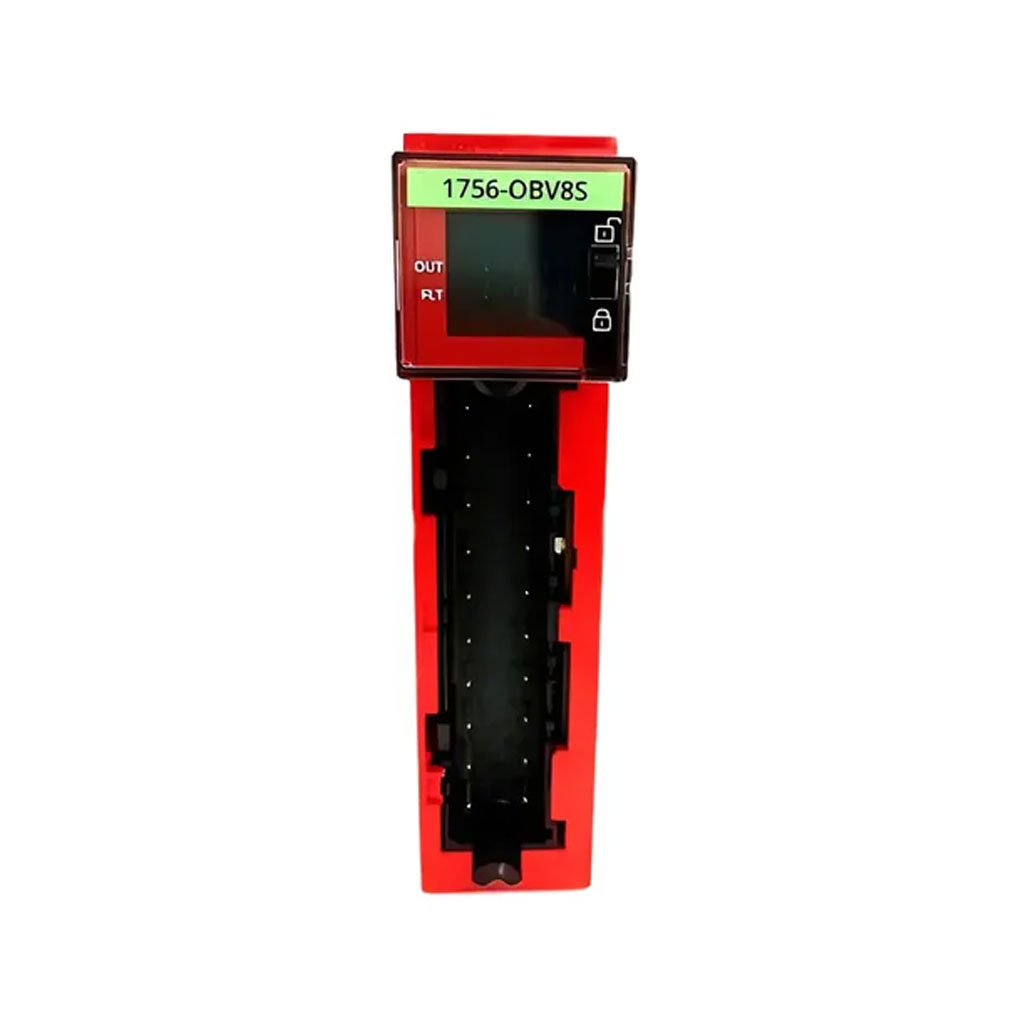
Allen-Bradley 1756-OBV8S ControlLogix CIP Safety Output Module
Functional Overview
The Allen-Bradley 1756-OBV8S provides safety-rated switching for field-side execution devices within a GuardLogix architecture. Specifically, this module features 8 safety outputs that can be configured as bipolar pairs (combining a sourcing and sinking output on one actuator for maximum fault detection) or as independent sourcing outputs. Because it utilizes the CIP Safety protocol over an EtherNet/IP backplane or remote chassis link, it passes functional safety data seamlessly while maintaining isolation from standard control tasks. Consequently, this hardware is heavily deployed in automotive stamping, robotic work cells, and material handling lines requiring SIL 3, Cat. 4, PLe safety ratings.
Advanced Diagnostics and Pulse Testing
Functional protection is integrated deeply into the 1756-OBV8S circuitry. The module performs continuous omission and pulse testing on its output channels to detect field wiring anomalies, such as short-circuits to a DC source, cross-channel shorts, or open-circuit conditions, without dropping the safety load. Additionally, the internal microcontroller executes background self-tests on the output switching FETs. If an internal component drifts or a field fault is identified, the card immediately trips into a safe state (de-energized) and flags the error directly to the GuardLogix safety controller.
Flexible Configuration and Safety Integrity
As a standard component of the ControlLogix platform, the 1756-OBV8S is fully integrated into the Studio 5000 Logix Designer environment. Technicians can set specific safety parameters—such as dual-channel evaluation, error latch times, and pulse test widths—directly through software profiles. Furthermore, the module includes an onboard electronic keying feature that prevents the wrong hardware revision or module type from being accidentally used during field replacements. In other words, it removes human error from the deployment phase of a safety loop.
Installation and Commissioning Guidelines
To begin installation, ensure that the slot assignment matches your Studio 5000 hardware configuration. First, slide the Allen-Bradley 1756-OBV8S module into the 1756 chassis until the top and bottom locking tabs click securely into place. Next, attach the wired Removable Terminal Block (RTB) to the front of the module and tighten the retaining screws to guarantee uniform connection contact.
Furthermore, when provisioning the card in your safety task, establish the correct Safety Network Number (SNN) to uniquely bind the module to its safety master CPU. Meanwhile, pay attention to status indicators during startup; specifically, the SAFETY LED should turn solid green once ownership is established and the safety loop is verified. Finally, check that any inductive loads connected to the outputs utilize proper external suppression diodes to extend the lifespan of the internal solid-state components.
Packaging List
-
1 x Allen-Bradley 1756-OBV8S Safety Output Module
-
1 x Safety Installation Manual and Standards Sheet
-
1 x Anti-Static Protective Box
-
Worldwide Shipping: DHL, FedEx, UPS, TNT
.jpg)